説明
SPECIFICATIONS
Area: 5-8㎡
Average Life (hrs): 50000
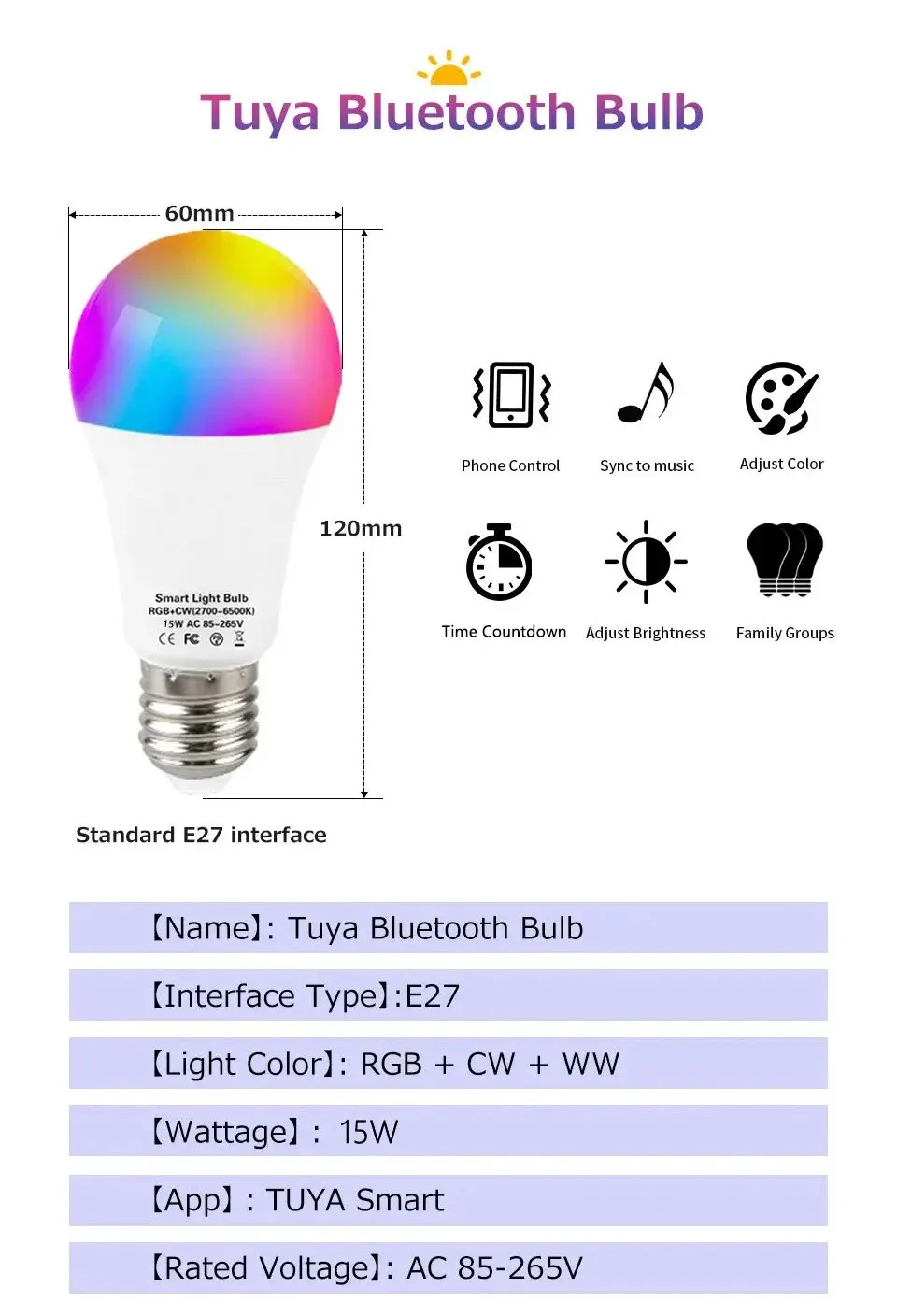
Base Type: E27
Beam Angle(°): 360°
Brand Name: NoEnName_Null
Certification: ce,CE
Choice: yes
Color Temperature: 2700K~6500K
Is Smart Device: Yes
Item Type: LED bulbs
LED Chip Model: 2835
Led Bulb Type: Bubble Ball Bulb
Luminous Flux: 500 – 999 Lumens
Model Number: Tuya WiFi Light Bulb
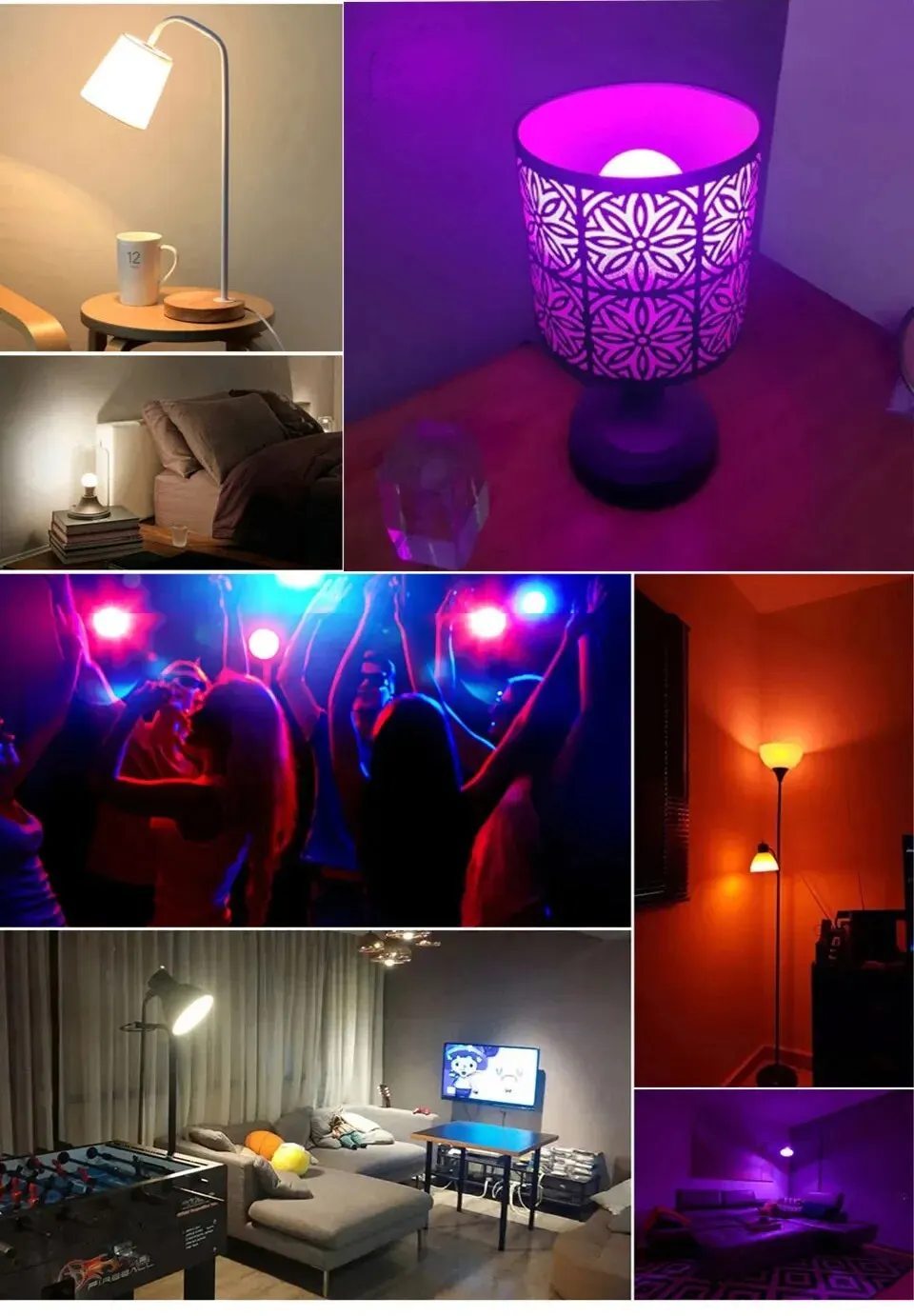
Occasion: bedroom
Origin: Mainland China
Power Tolerance: 3%
Shape: Globe
Voltage: 85-265V
Note:
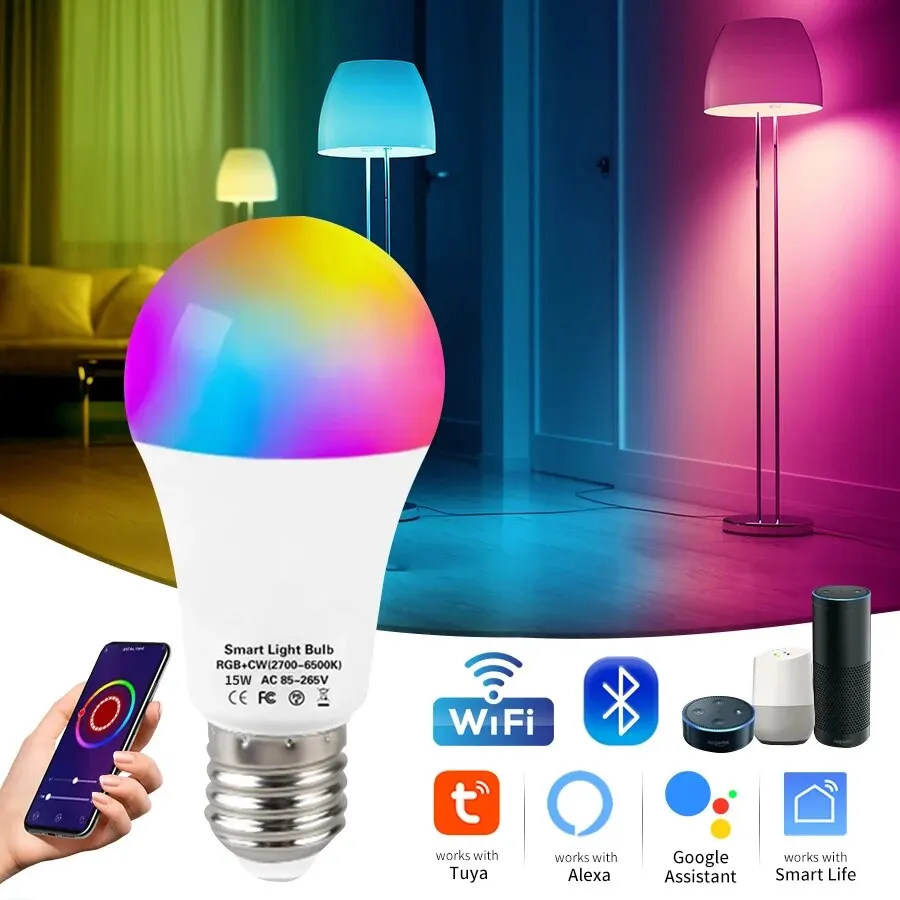
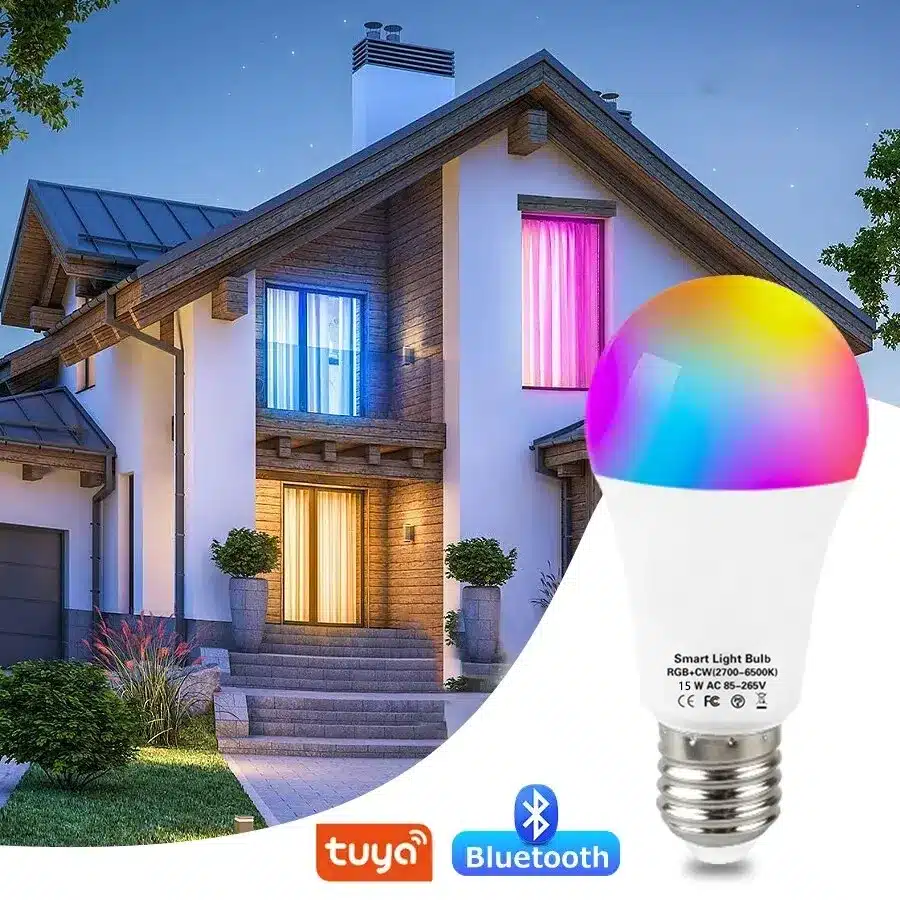
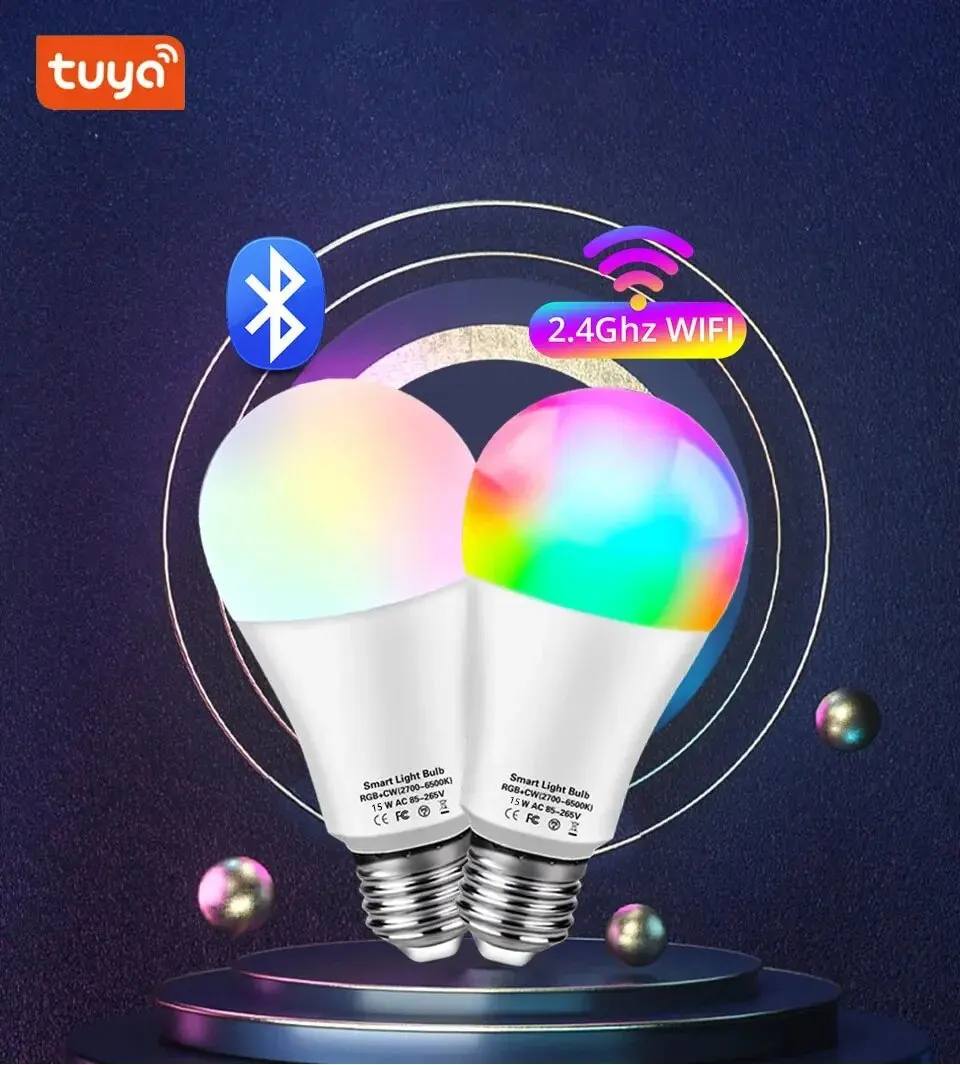
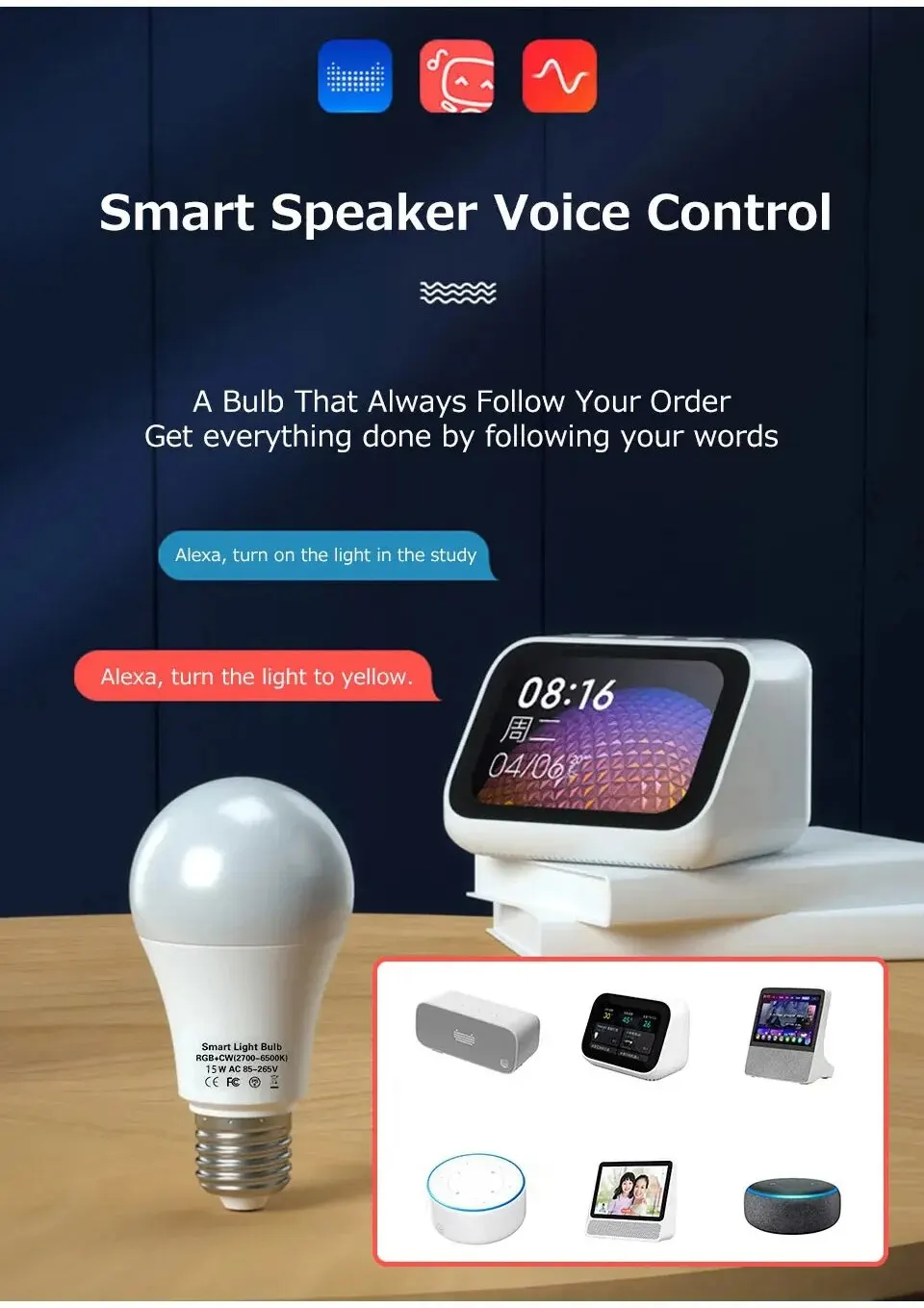
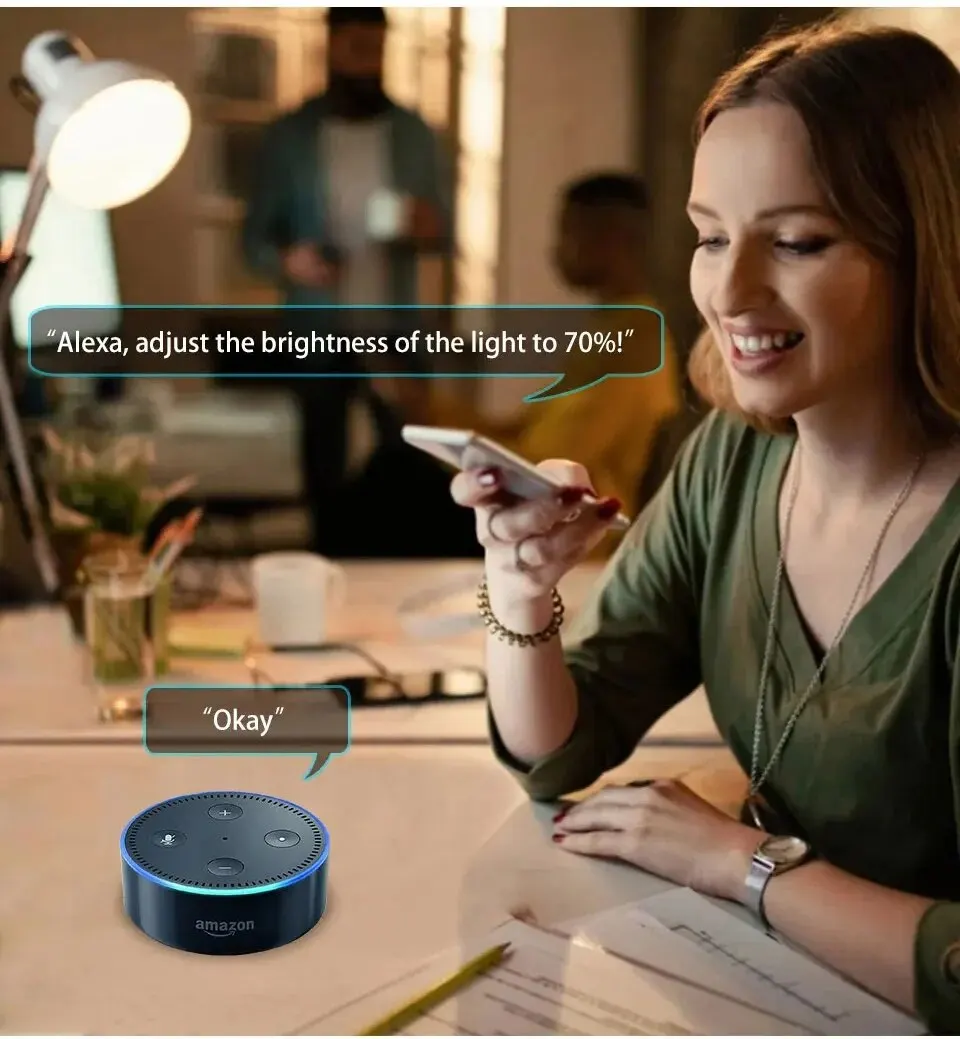
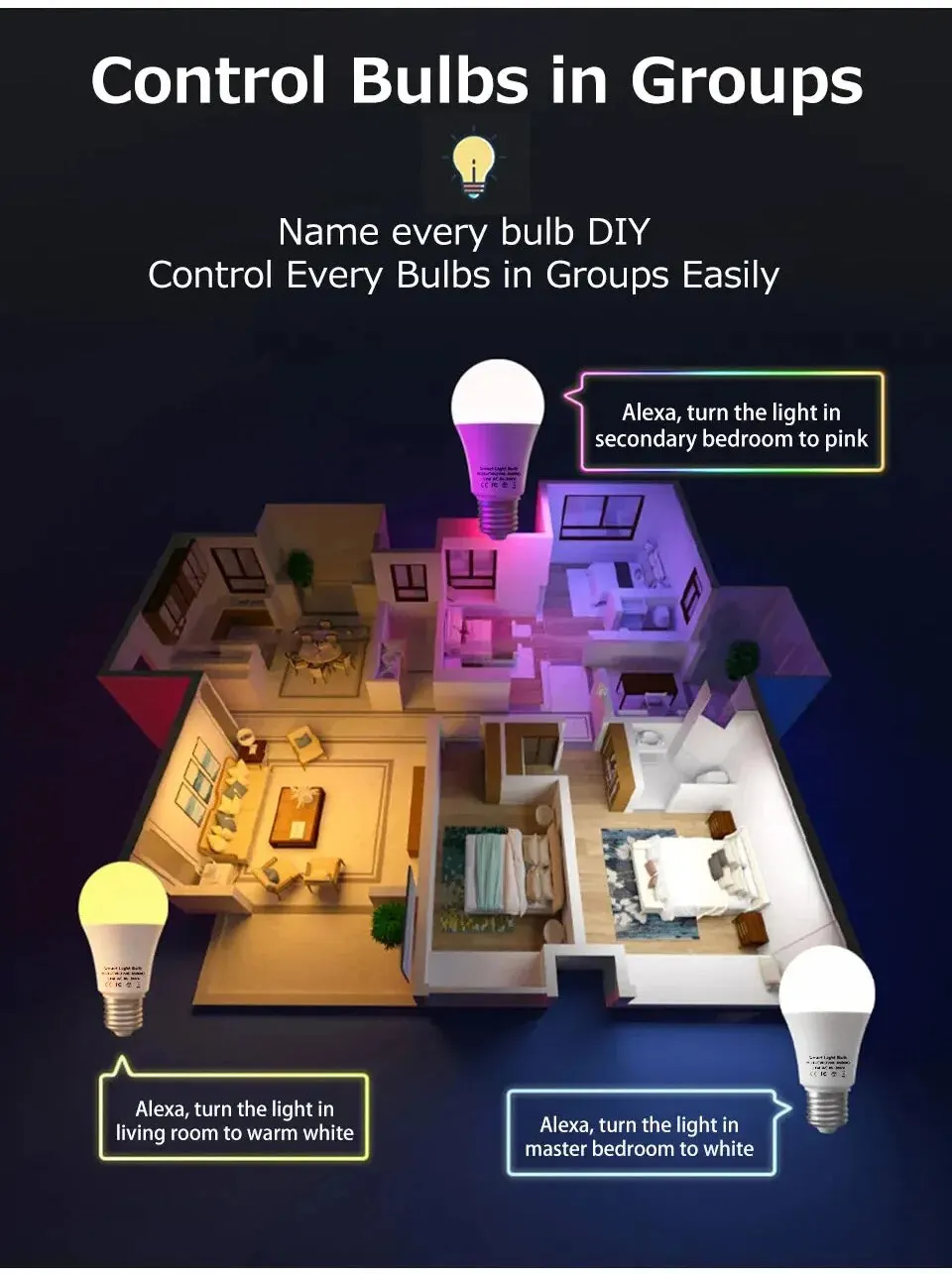
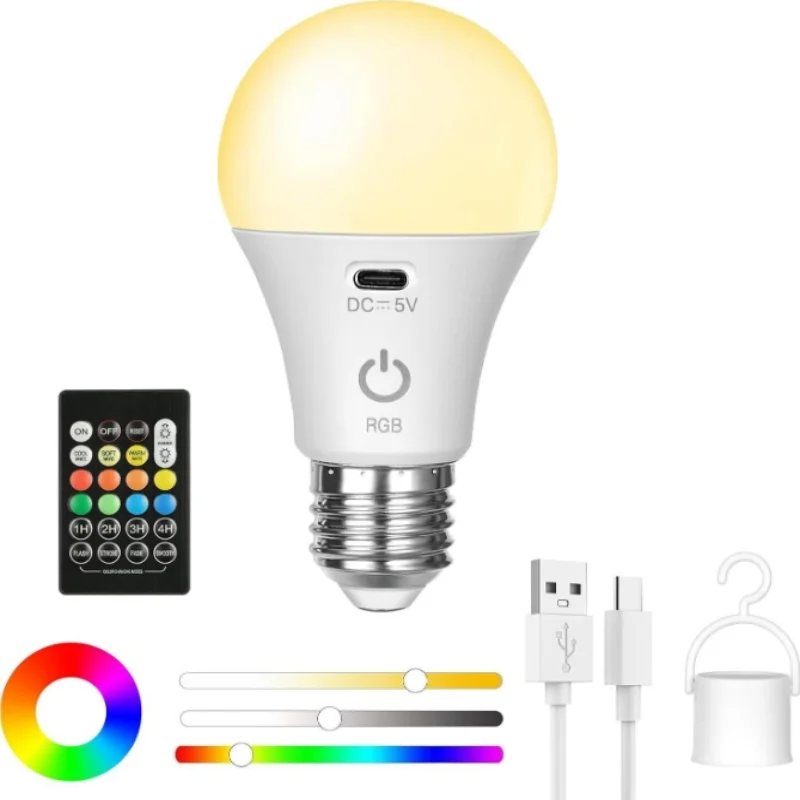
Bluetooth Bulb Need tuya bluetooth gateway To Work With Alexa Google Home
Specification:
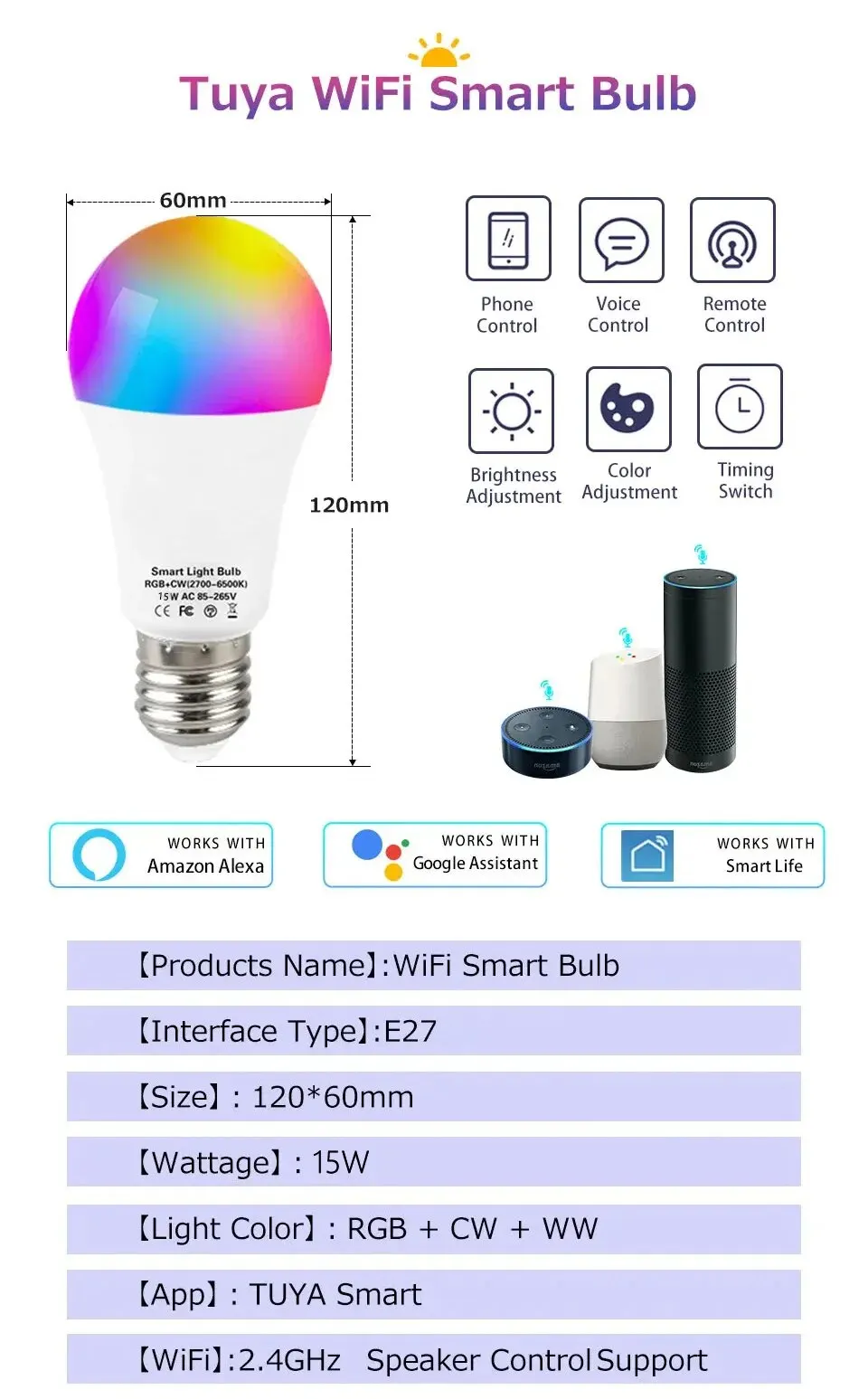
Power: 15W
Socket Type: E26/E27
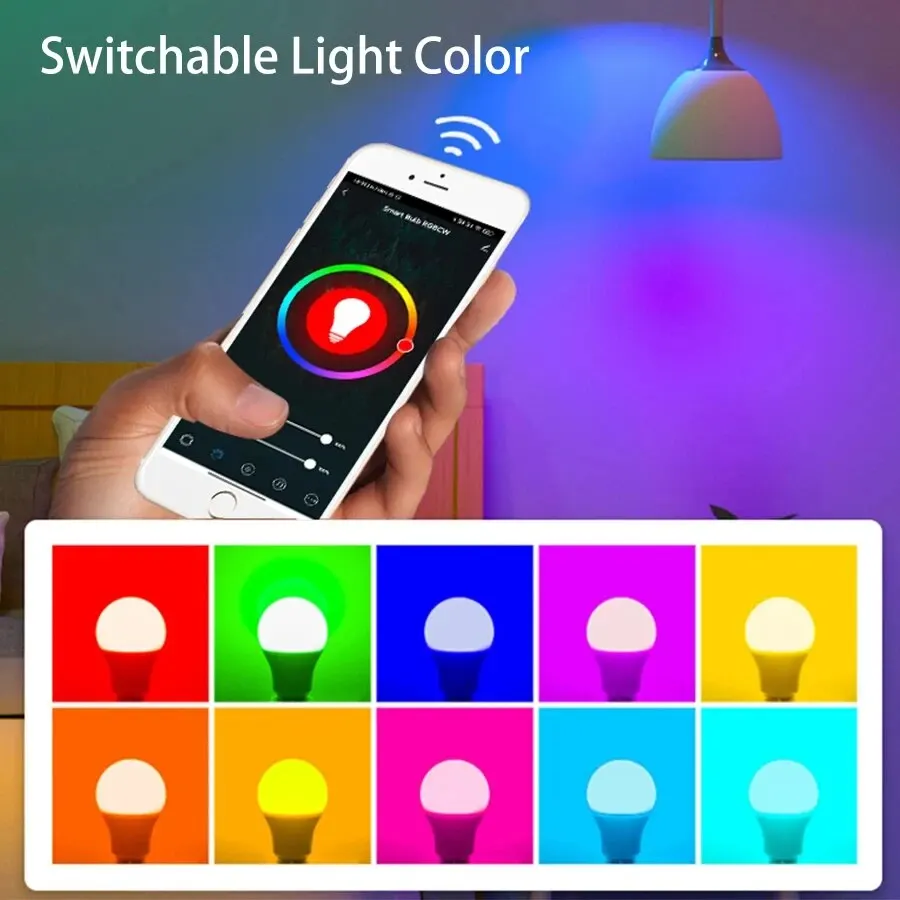
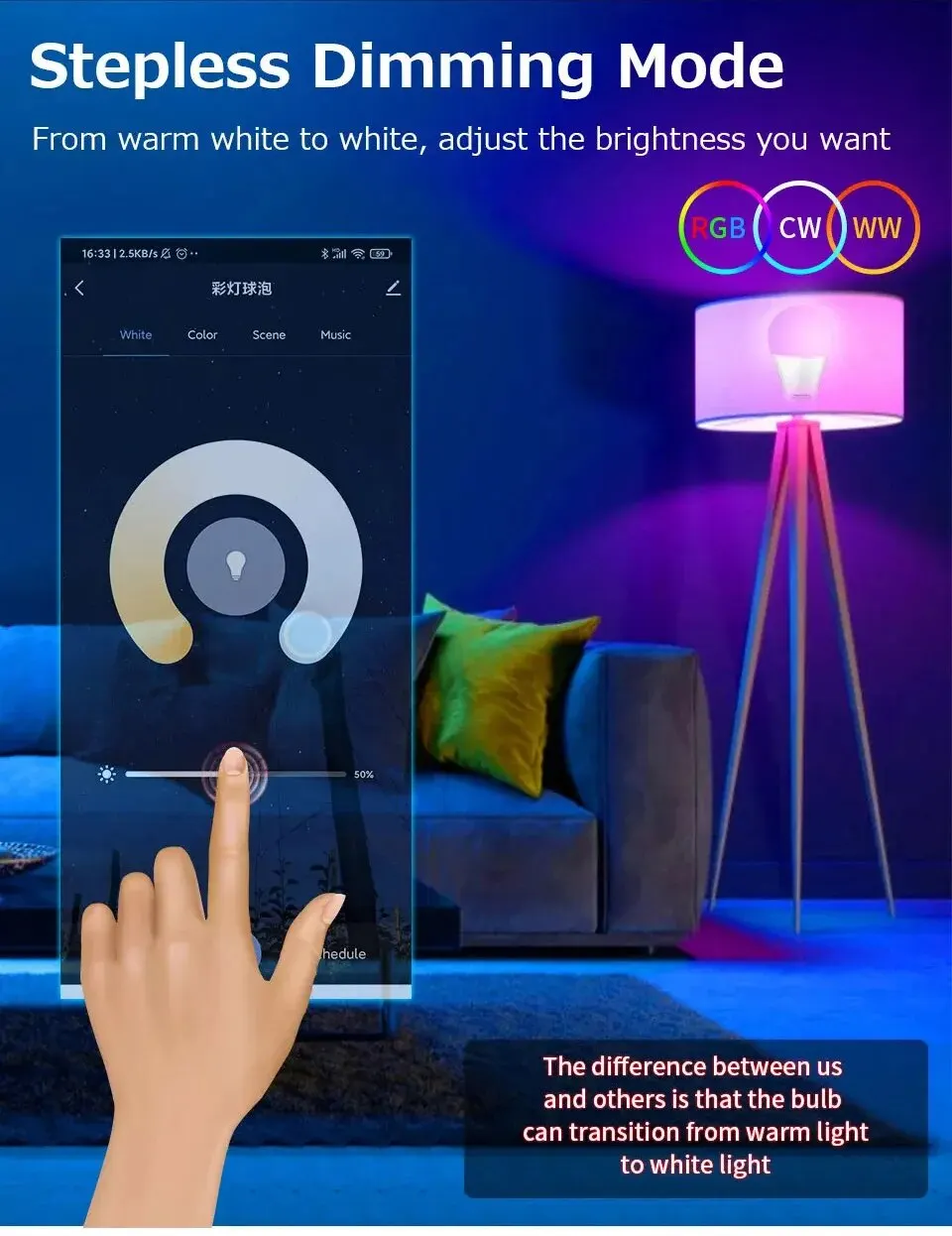
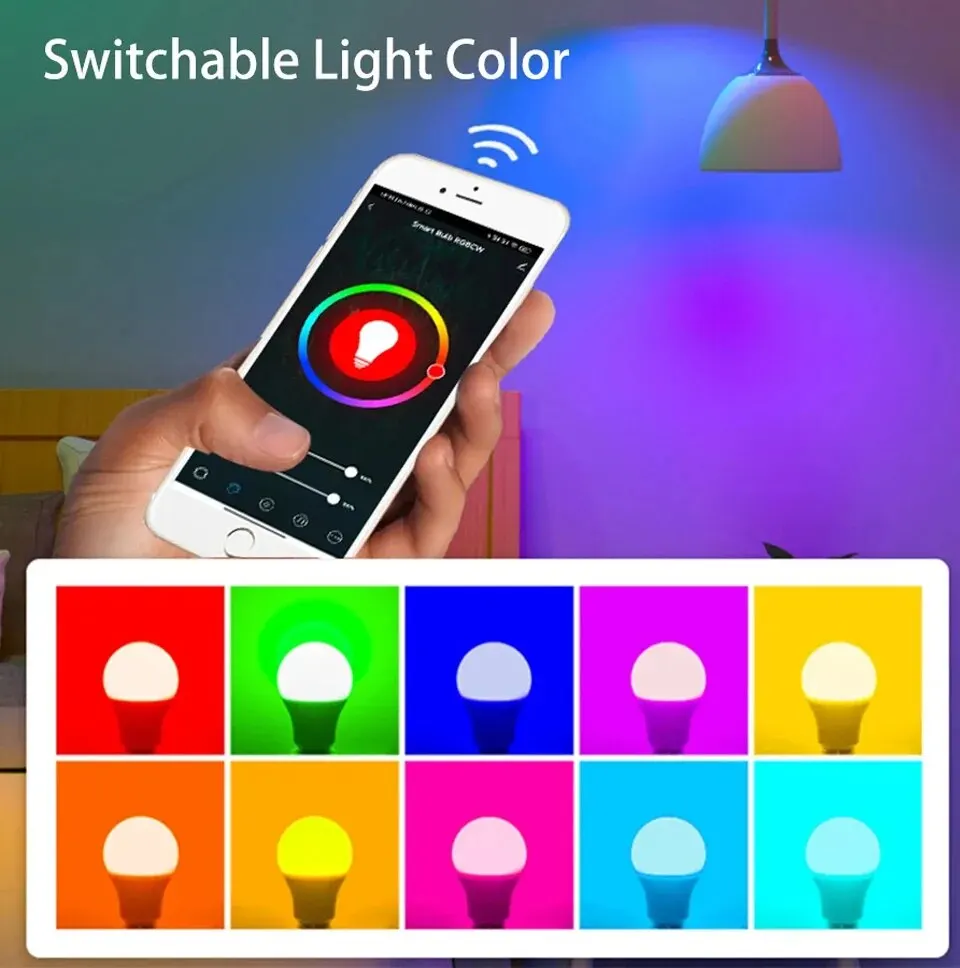
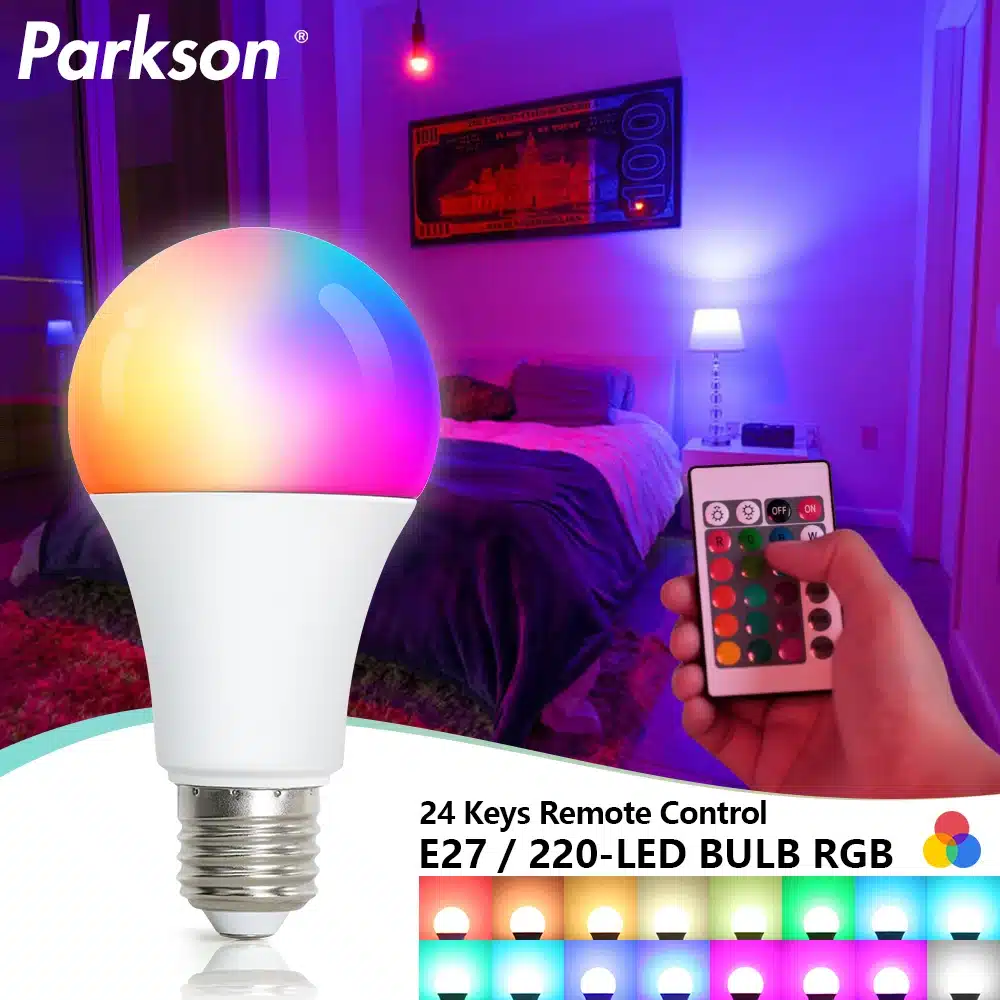
Light color: RGB + Warm white + White (2700K-6500K)
Voltage: AC 85-265V
Chip: LED SMD 2835
Material: Aviation Aluminum, plastic
CRI: >85
Lumen:80-100 LM/W
Life: >50000h
Beam Angle: 270 degrees
APP Download: Smart Life / Tuya Smart
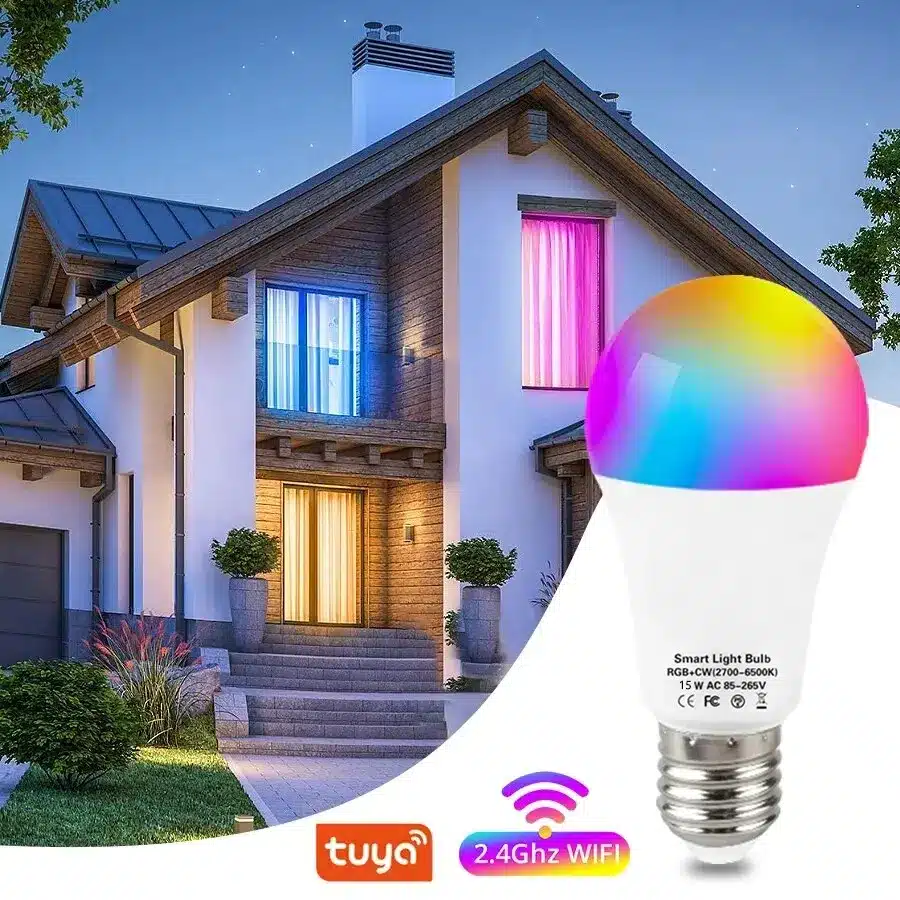
Network: 2.4GHz Wi-Fi / Bluetooth 4.0 or Above
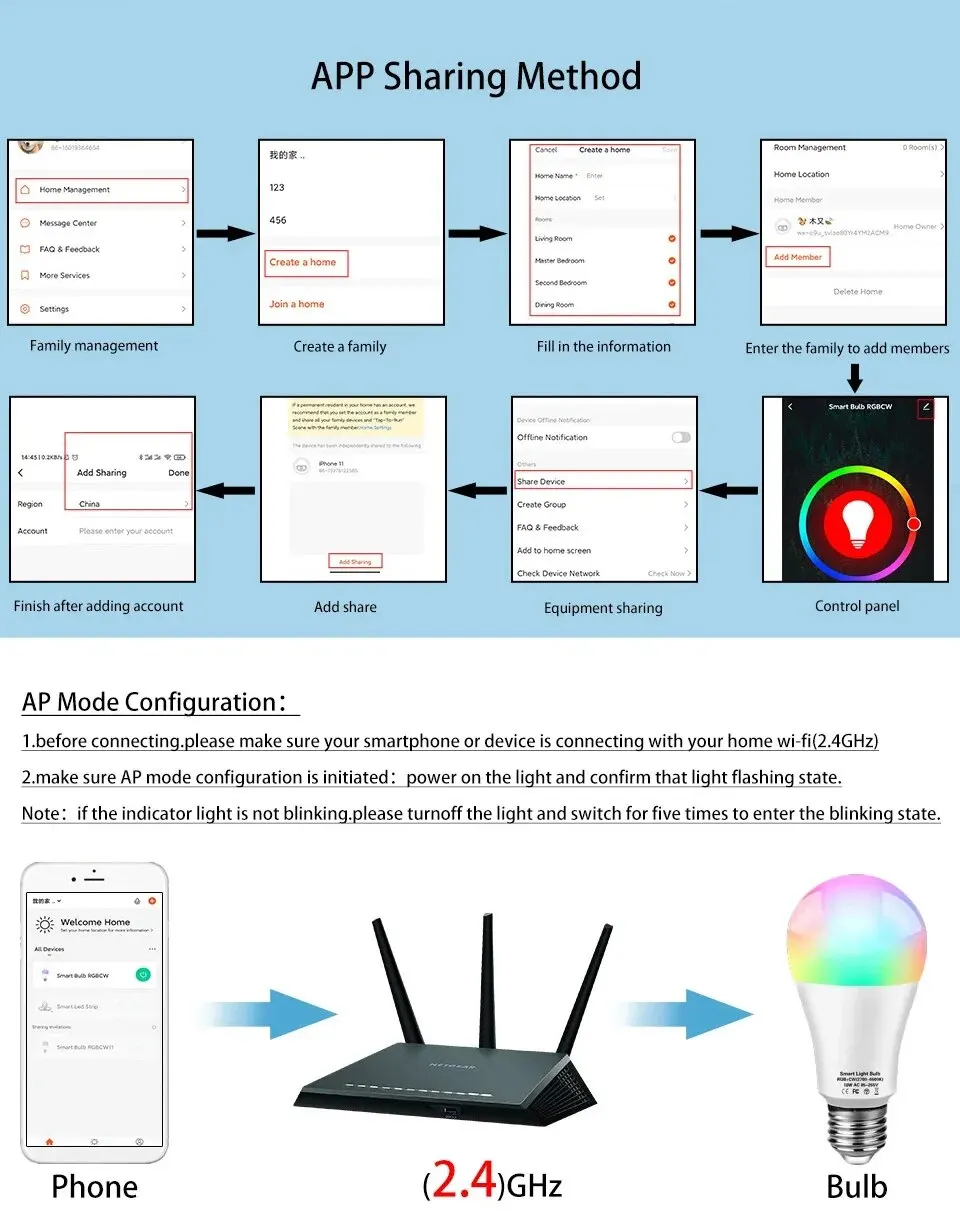
How to connect the TUYA smart LED bulb:
1.Download the "TUYA smart" APP on your smart phone.
2. Register and sign in "TUYA smart" APP on your phone.
3. Turn on and then turn off the bulb, repeat it 4 to 6 times, making sure it’s on fast flashing mode (about 5 times in 2 seconds). That’s important because the network named "TUYA smart" only appears when the bulb is flashing.
4. Open the APP — Click "+" to add device— Click "the light is flashing" —- choose network contain ‘2.4G’ instead ‘5G’ —- enter password and enter—Click "connect" — select "TUYA smart" network— click "next step" wait until full connected— click the device "light" —Click "my device" and select it.
Note: If you don’t have a 2.4G network at home, you can share a hotspot connection on your phone
レビュー
レビューはまだありません。