説明
SPECIFICATIONS
Bluetooth-compatible: No
Brand Name: DATA FROG
Category: Video Game Console
Certification: None
Choice: yes
Games included: 3000/10000 Games
Hign-concerned Chemical: None
Interface: HDMI-compatible
Origin: Mainland China
Package: Yes
Removable/Replaceable Battery: Yes
Supporting Language: Russian,English
Trait 1: Retro game
Trait 2: Portable video game
Trait 3: TV games
Trait 4: Dendy game console
Trait 5: Video game retro
Type 1: Support TV OutPut
Type 2: game stick
Type 3: game stick 4k
Type 4: game console
Type 5: Video Game Console
Type 6: Retro game console
Type of devices: other
Video Game Controller included: Yes
WIFI: No
Weight: 450g
How to download the games by yourself?
https://youtu.be/JIypjsgqisU
HDMI-compatible Video Game Stick 4K Console
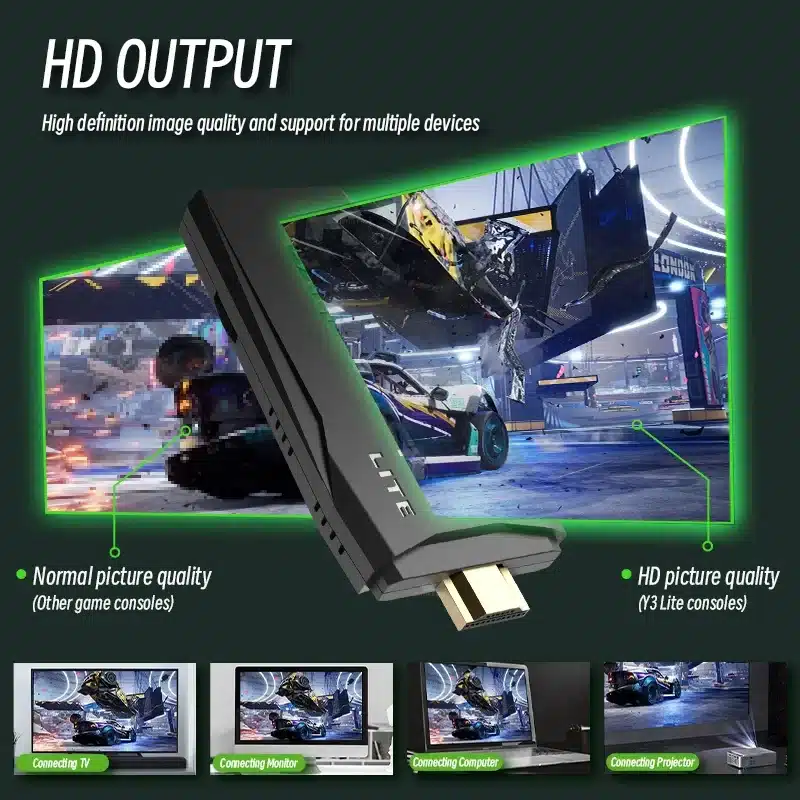
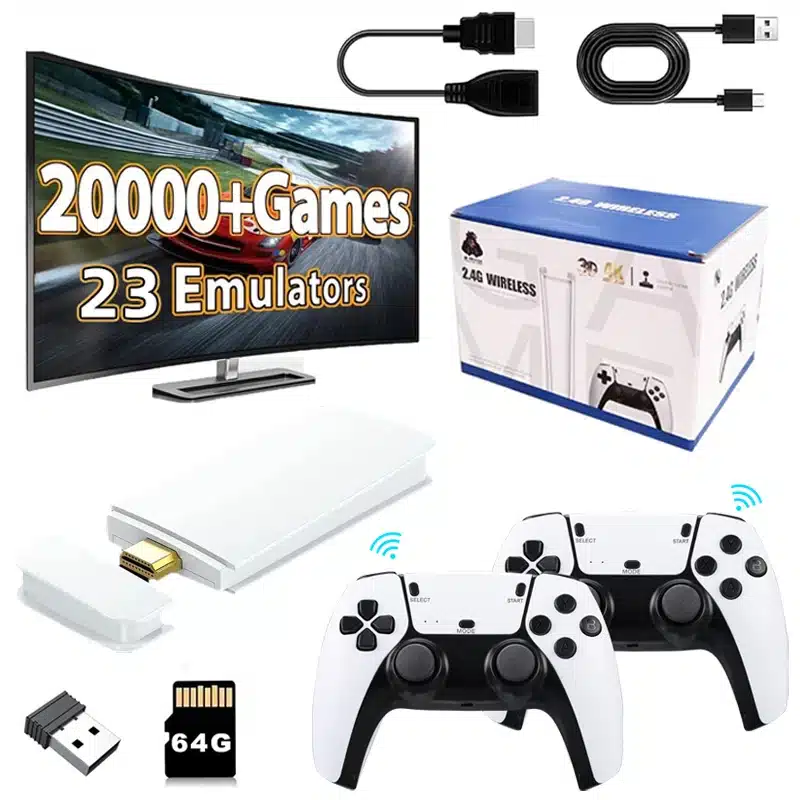
The portable mini game stick 4K TV games has a light and compact body.Plug and play, does not take up too much space, and is easy to carry, suitable for travel and home use.This video game console is suitable for ultra-high-definition TV/computer/monitor/projector, supports HDMI-compatible connection , has 1080P HD image quality, and can enjoy lively and interesting video games on the big screen.
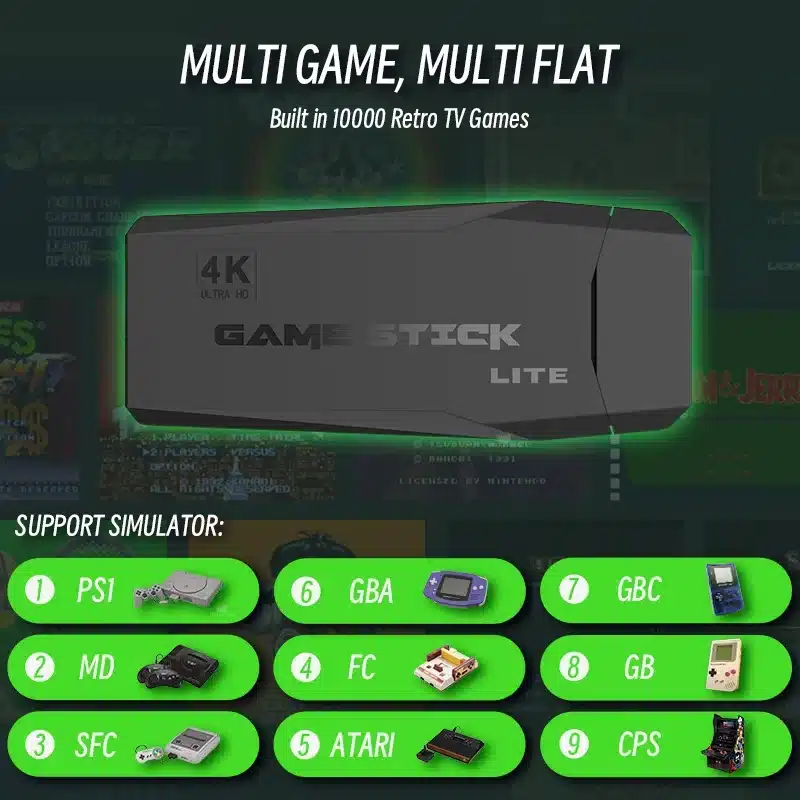
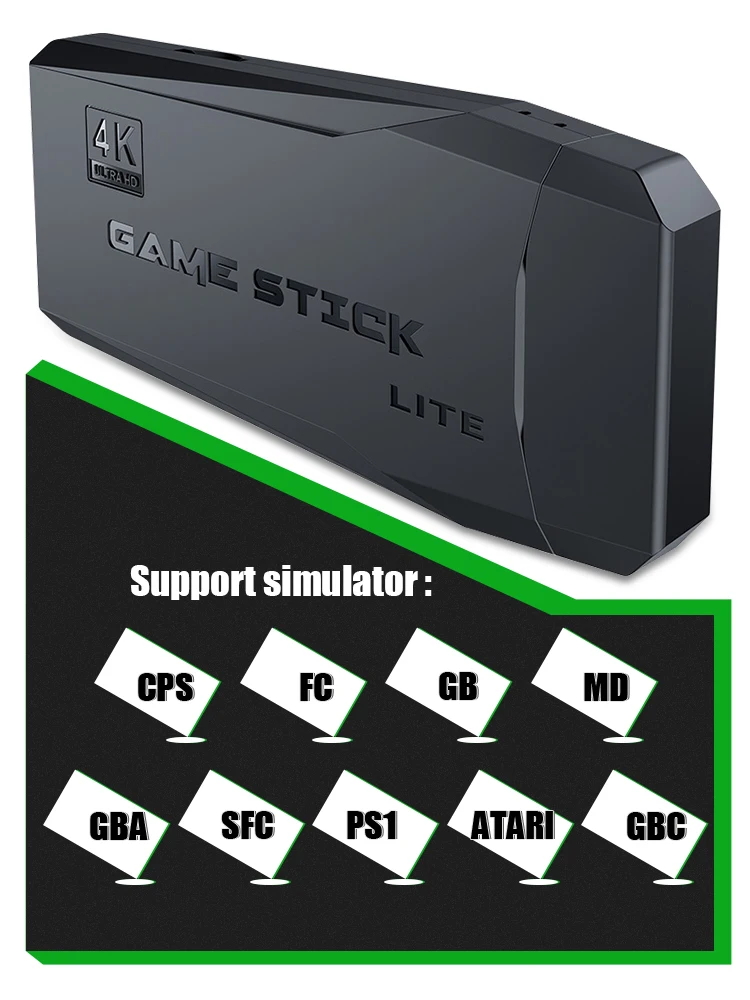
Support 9 Game Formats
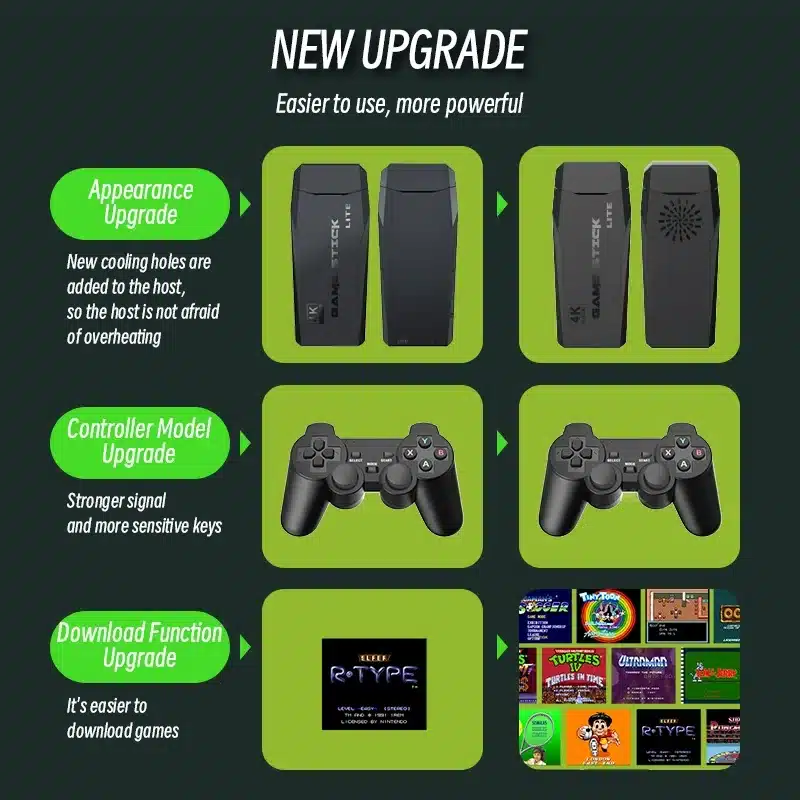
With upgraded GB2 CPU chip, the game stick 4K TV games console is built-in more than 9 Emulators, compatible for MAME, PS1, GB, GBA, GBC, MD, SFC, FC and ATARI format games, which you can download and save at its Memory Card;
Upgraded Smart Retro Game U Disk
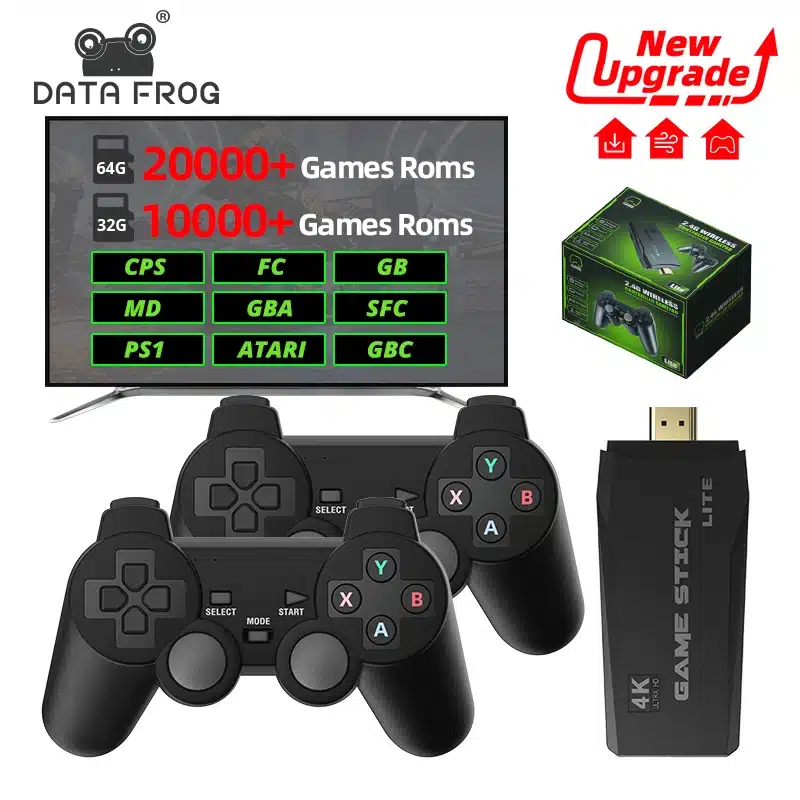
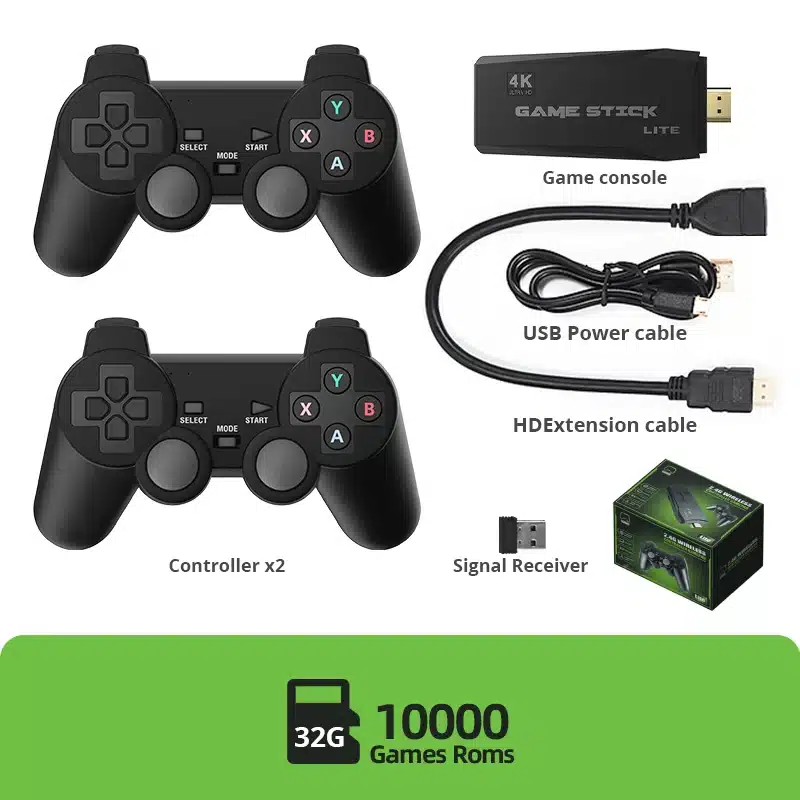
Wireless TV game console with more than 20000 kinds of rich games is installed, 9 emulators supporting multiple games are installed, and a 32GB TF card is attached. Use upgraded game chips to support 8-bit, 16-bit, 32-bit, 64-bit, 128-bit and other emulators. It perfectly meets your needs for image quality and game fluency.
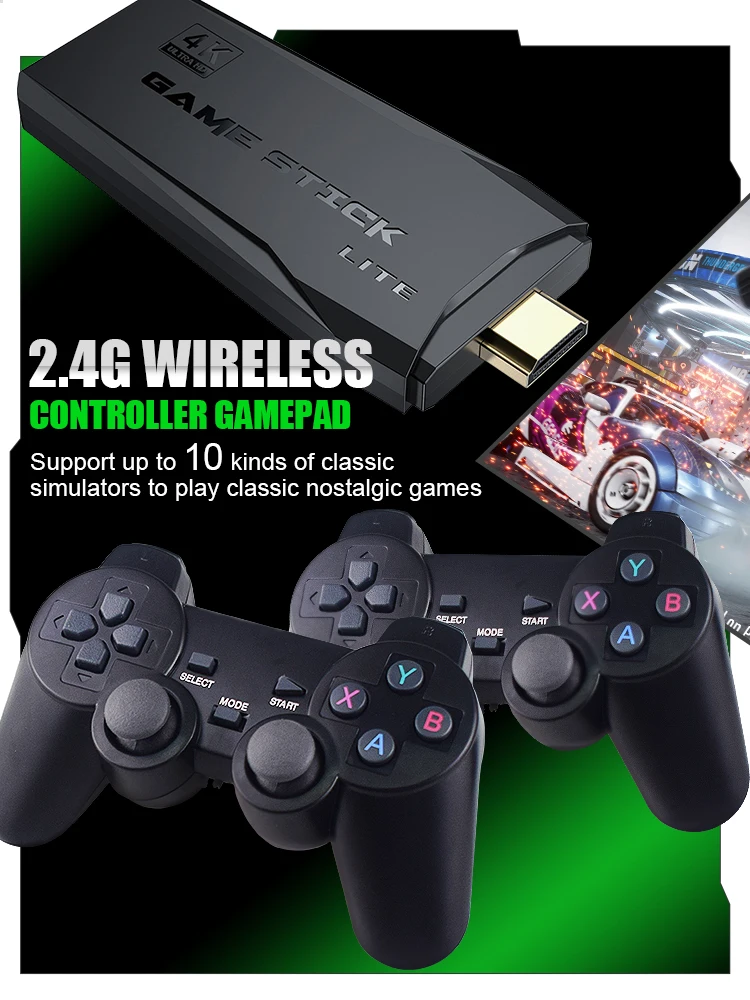
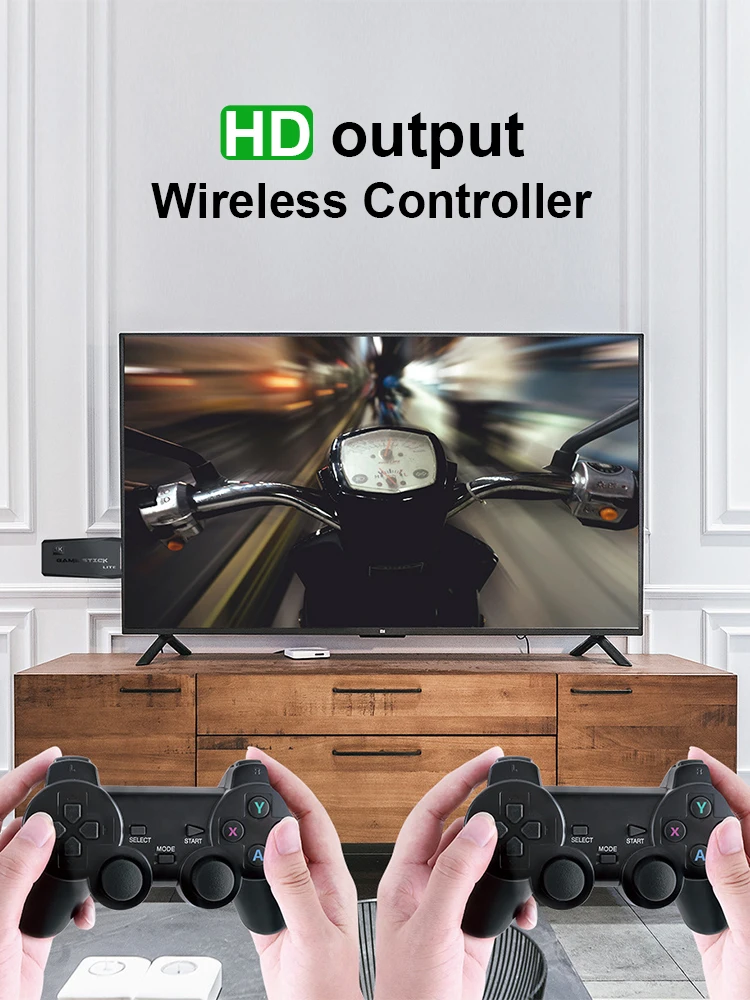
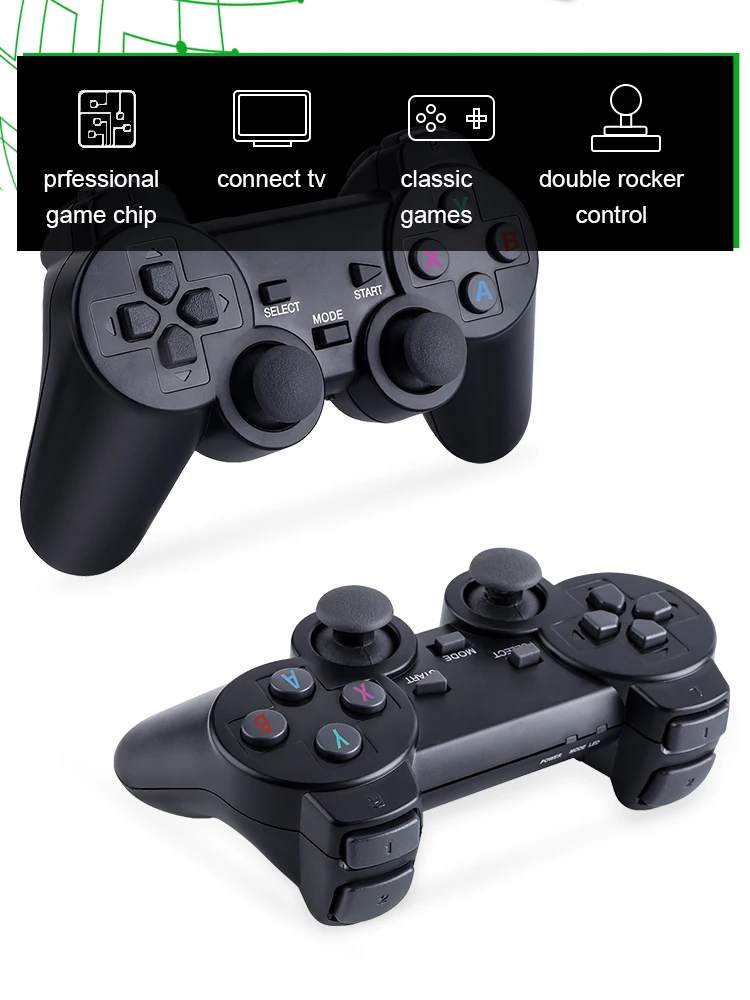
2.4GHz wireless controller
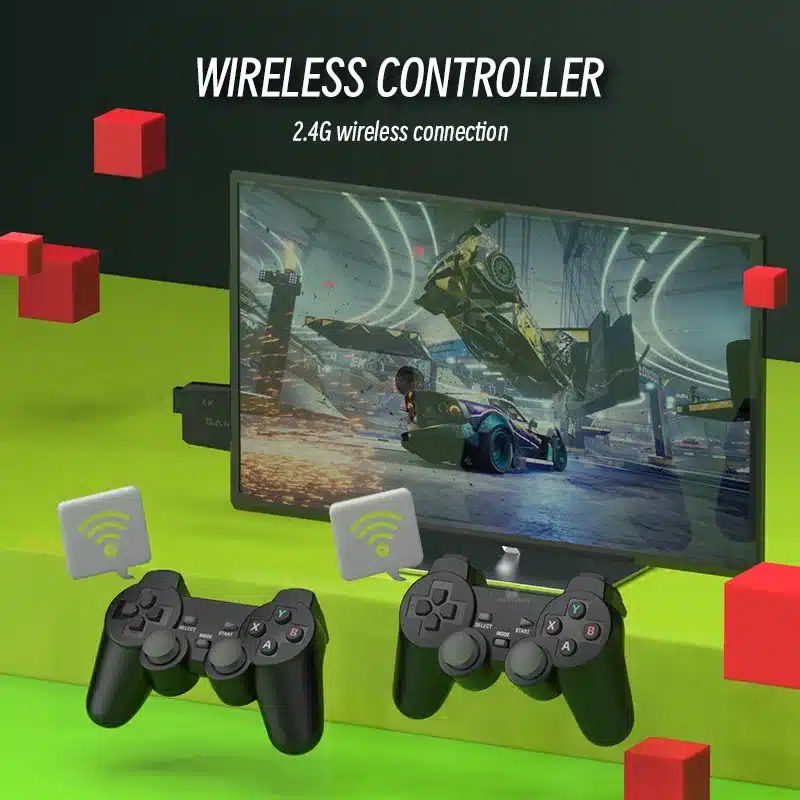
Equipped with two 2.4Ghz wireless TV games controllers. Support up to 4 players at the same time, you can remotely control and enjoy the game on the sofa with your family or friends.
Upgraded Version
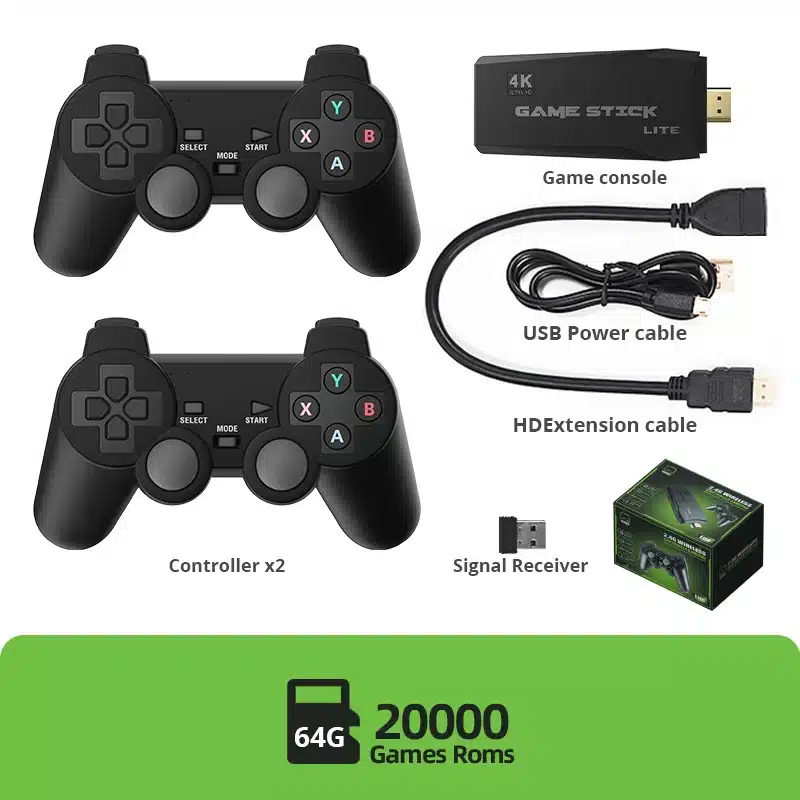
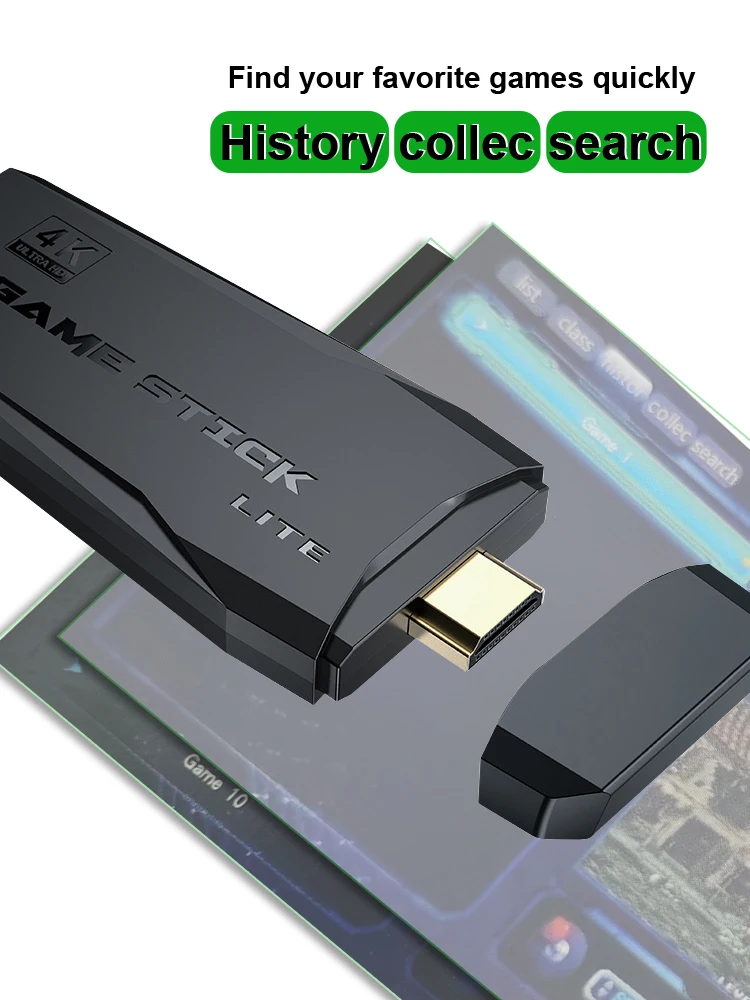
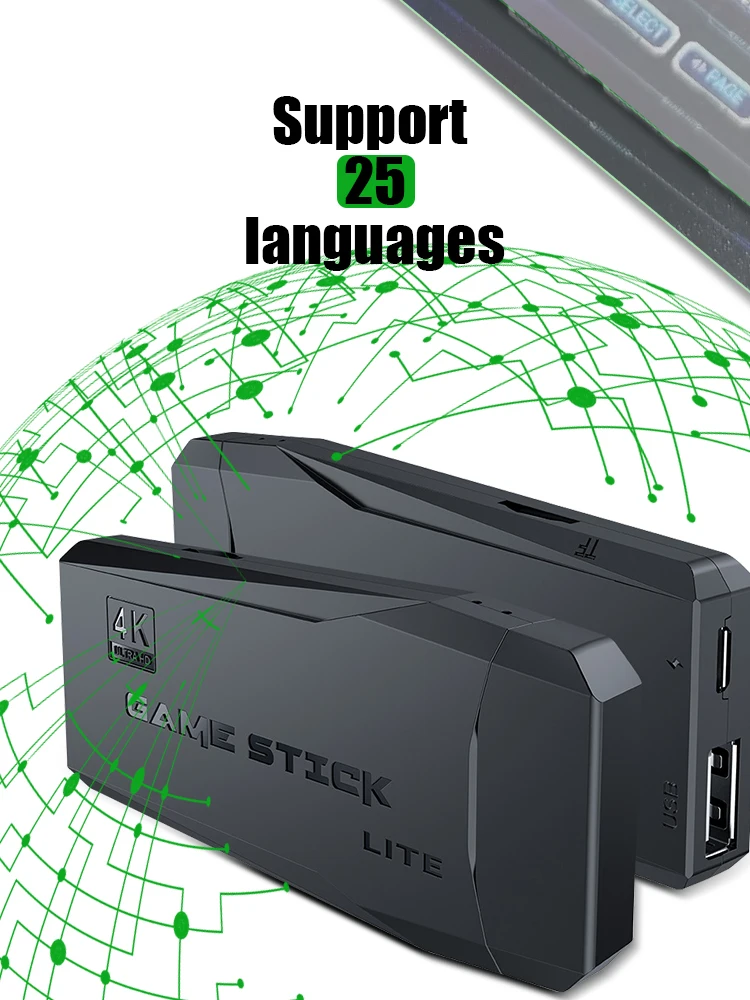
Support 25 languages.The latest wireless TV games console, with 64G Memory Card, built-in more than 20000 Games, searchable, collectible, archiveable, and support you to download your favorite games;
Download Game Steps
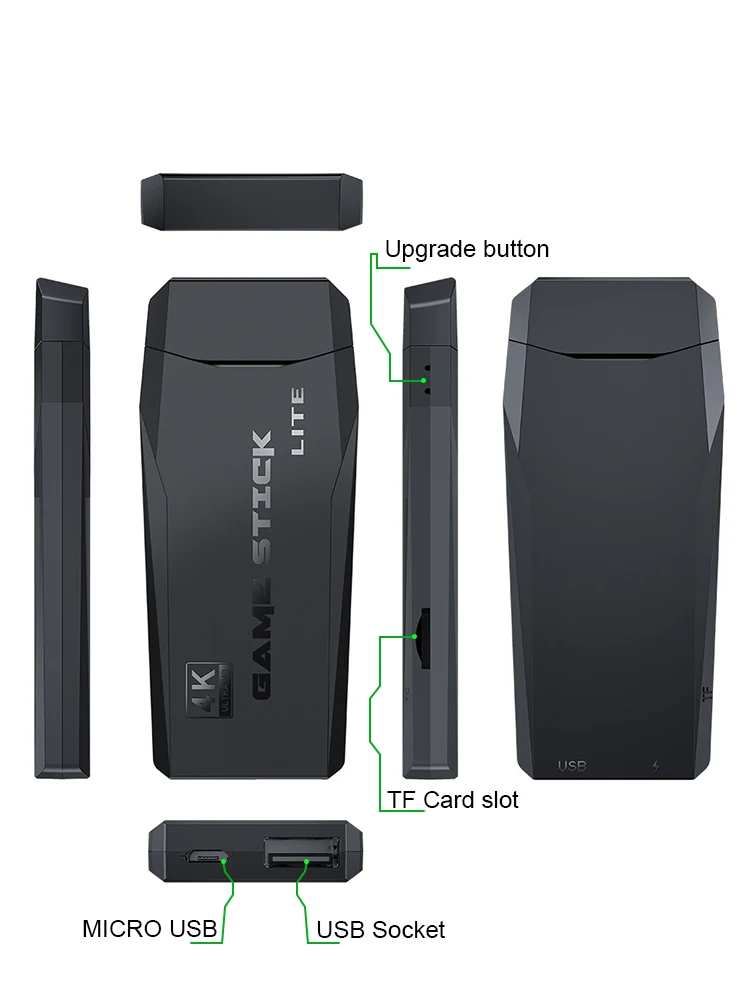
Step 1:Download game file
Step 2:Connect the TF card to the computer with the card reader
Step 3:Copy the game files to the corresponding folder(the name of the emulator)
Step 4:Insert the card into the game console,connect the game console and turn it on
Step 5:Find your game and start playing(you can use the search function)

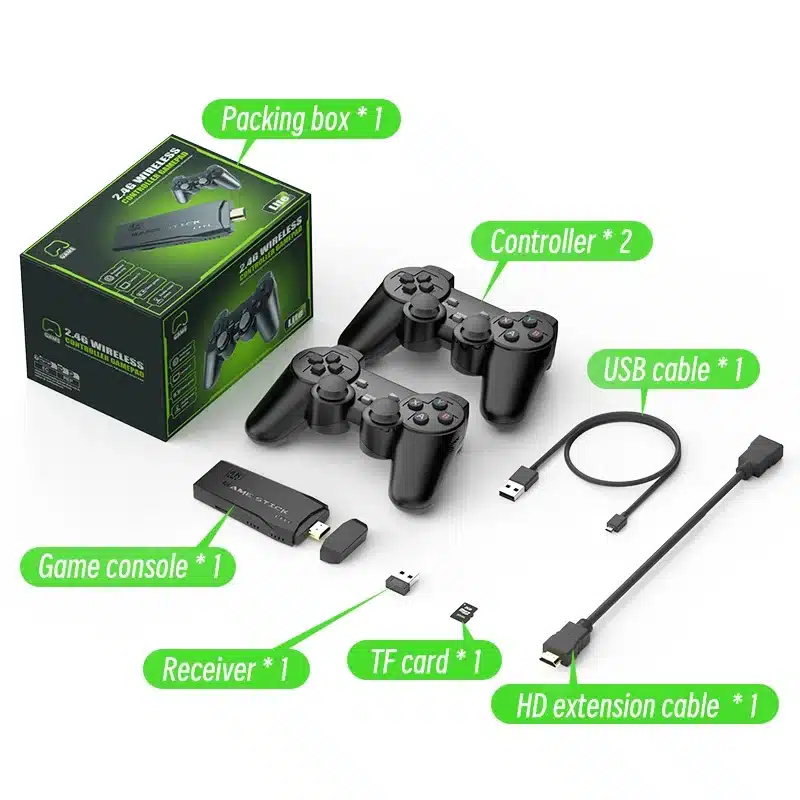
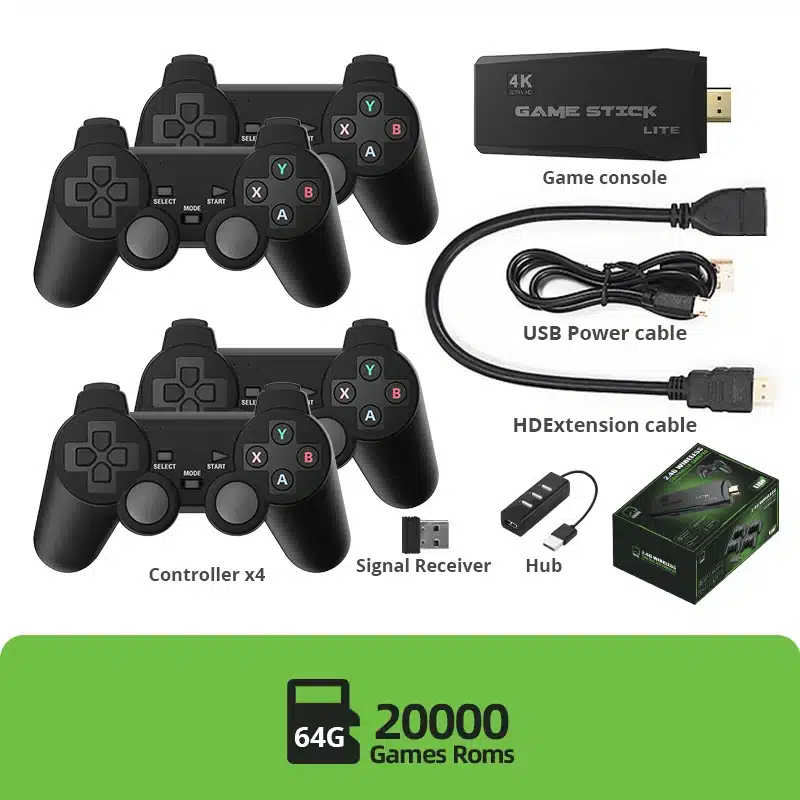
Package Include:
1 x Game Stick Console
1 x Wireless receiver
2 x Controller
1 x Charge cable
1 x User manual
1 x HD cable
TF card (option)

FAQ
If these problems cannot solve your question, please contact us as soon as possible, and we will generally reply to you within 24 hours. If it is very urgent, you can send us more information. We are all very willing to help you.
Q: How to play PS1 games?
A: Download the "bin" format archive of the game. Then open the archive and rename it from .bin to .img. Then unzip it to microsd/games1.
Q: Does this dendy game console support downloading games?
A: Yes friend, you can download the game on the tf card.
Q: When the SD card is inserted into the computer, it shows whether it needs to be deleted and formatted. What should I do?
A: When the computer opens the TF card, there may be a prompt that needs to be formatted, please do not click format, click format, it will result in failure to boot.
Q: I cannot view the contents of the SD card file. Where do I need to download the game?
A: TF card has 5 partitions, only 1 partition can be opened. After opening this disk, select the corresponding directory in the game and add the game to play.
Q: The red and green lights have been flashing, but the connection is unsuccessful?
A: First check whether the handle uses a new 1.5V battery. The second is that the new battery still cannot be used normally. There may be a problem with the receiver. Please contact our customer service, we will solve it for you.
Q: Why can't the controller enter the game page and keep returning to the menu page?
A: Generally it is caused by the low battery of the handle. We recommend replacing the battery, preferably a 1.5V battery.
Q: Does the dendy game console support 4KHDMI-compatible TVs?
A: Yes, but it only supports 4K TV. This does not mean that our games have 4k quality. Because the game itself can be downloaded by buyers, there is no simulator game with 4K image quality. We just improved the corresponding image quality. .The actual picture quality is high-definition picture quality
Q: Why the TV screen shows no signal?
A: It may be that the SD card became loose during transportation. It is recommended to unplug the TF and reinsert it. If it still does not work, it may be that the SD is damaged or contact our customer service, we will send you an upgrade installation package
Q: How to exit the game in the game?
A: You only need to press the select and start buttons on the controller at the same time to exit the game.
レビュー
レビューはまだありません。