説明
SPECIFICATIONS
Aerial Photography: Yes
Anti-wind Ability: no
Brand Name: GEPRC
Camera Mount Type: Fixed Camera Mount,other
Control Channels: 12 Channel & Up
Controller Battery: yes
Controller Mode: MODE1,MODE2
Dimensions: 1.6inch
Drone Weight: 36g
Features: App-Controlled
Flight Time: <5
Hign-concerned Chemical: None
Indoor/Outdoor Use: Indoor-Outdoor
Is Batteries Included: No
Is Electric: Other Battery
Material: Carbon Fiber,Plastic,Metal,PU
Model Number: Sub250
Motor: Brushless Motor
Operator Skill Level: Beginner,Intermediate
Origin: Mainland China
Package Includes: Original Box,Camera,Batteries,Operating Instructions
Power Source: Electric
Recommend Age: 14+y
Remote Control: Yes
Remote Distance: 1000m
State of Assembly: Ready-to-Go
Takeoff Weight: routine
Transit Time (Days): yes
Type: HELICOPTER
Video Capture Resolution: other
Sub250
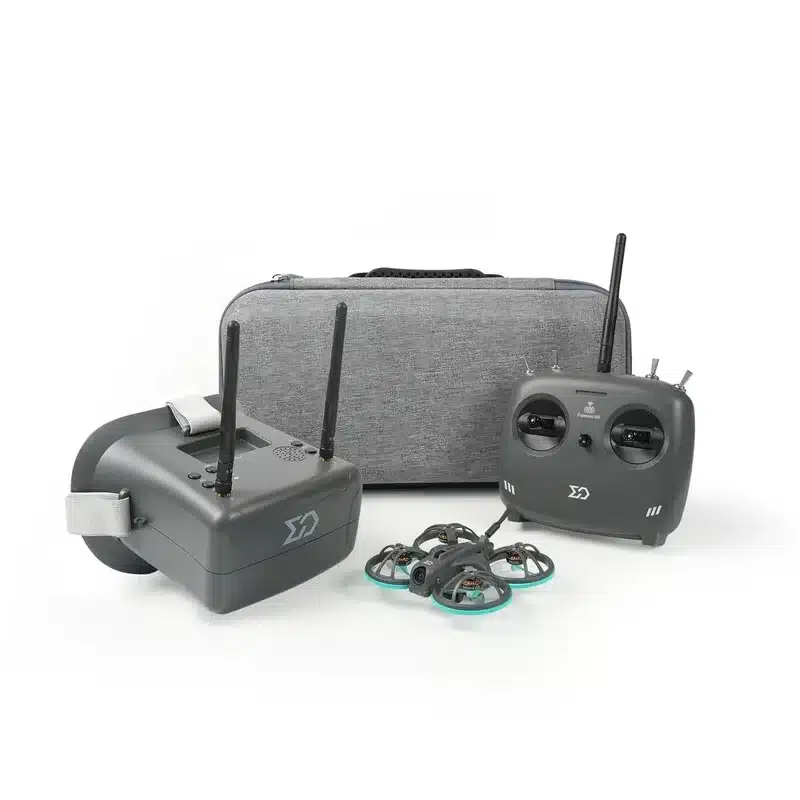
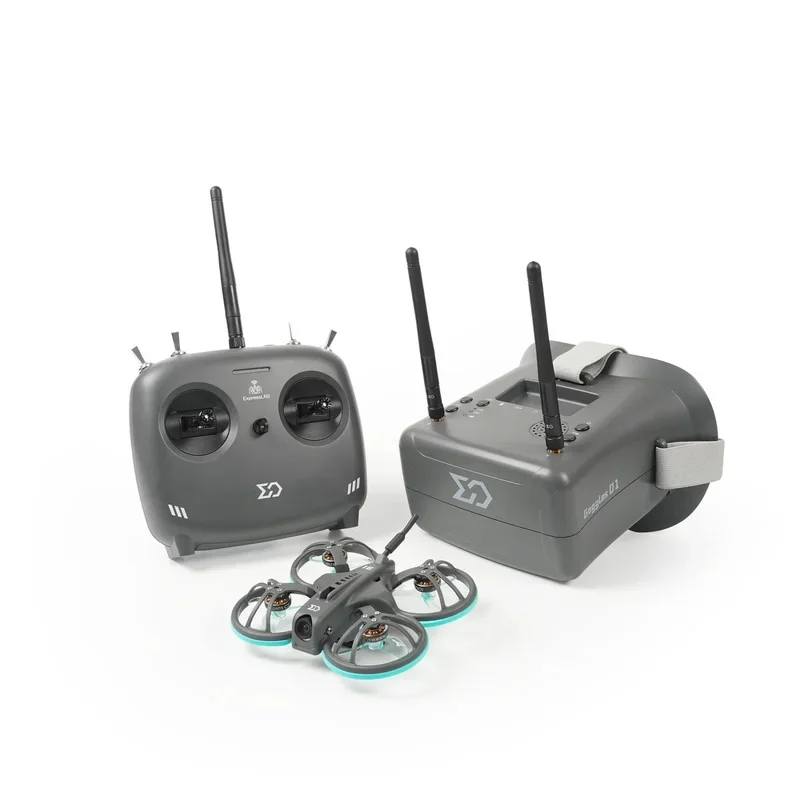
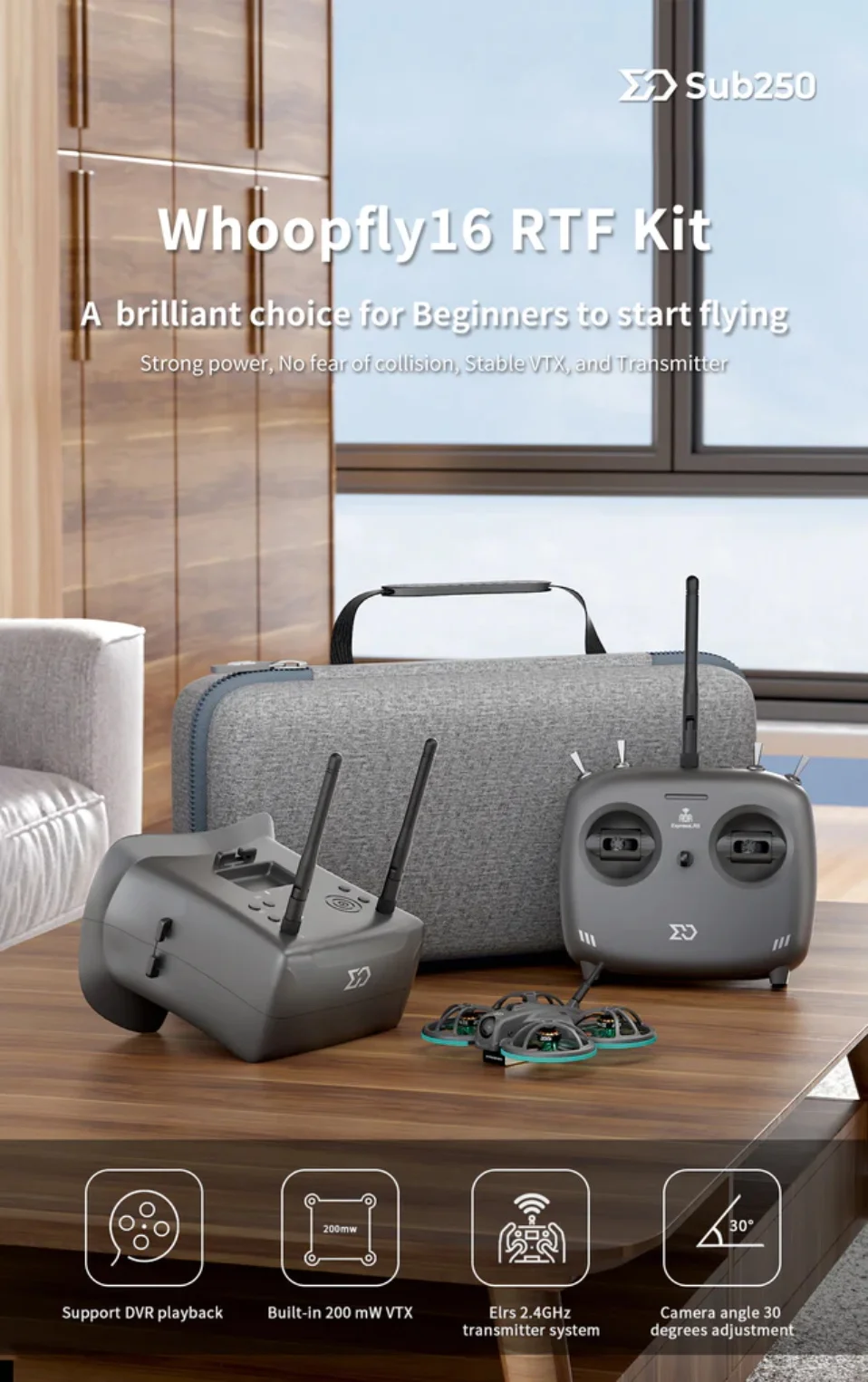
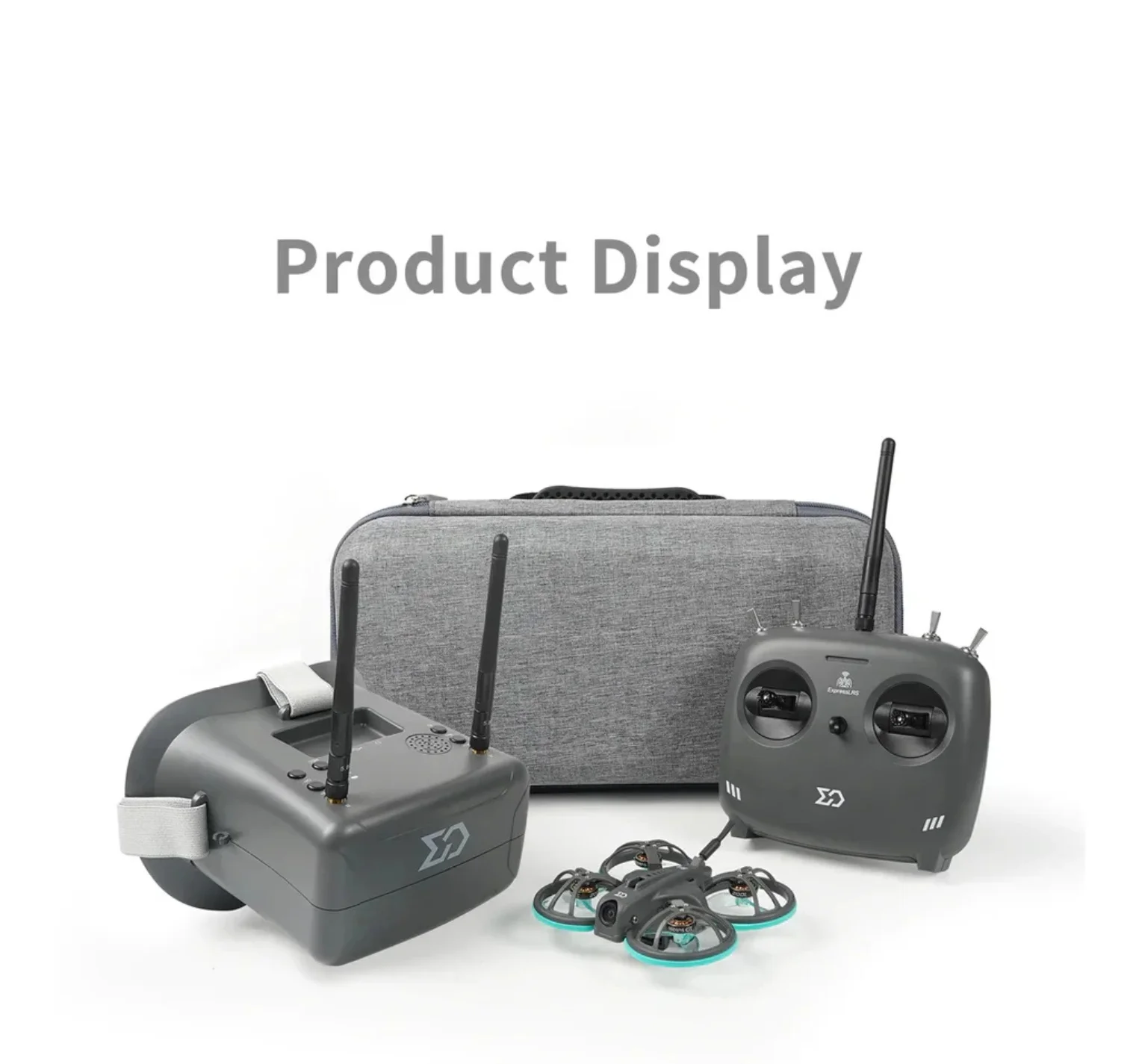
highly recommends the new Whoopfly16 RTF Kit in 2023! It will be a brilliant choice for new FPV beginners to start flying. Comes with a Whoopfly16 Analog Elrs 2.4gHz FPV drone, MicroRadio Elrs 2.4gHz transmitter, and Goggles 01.
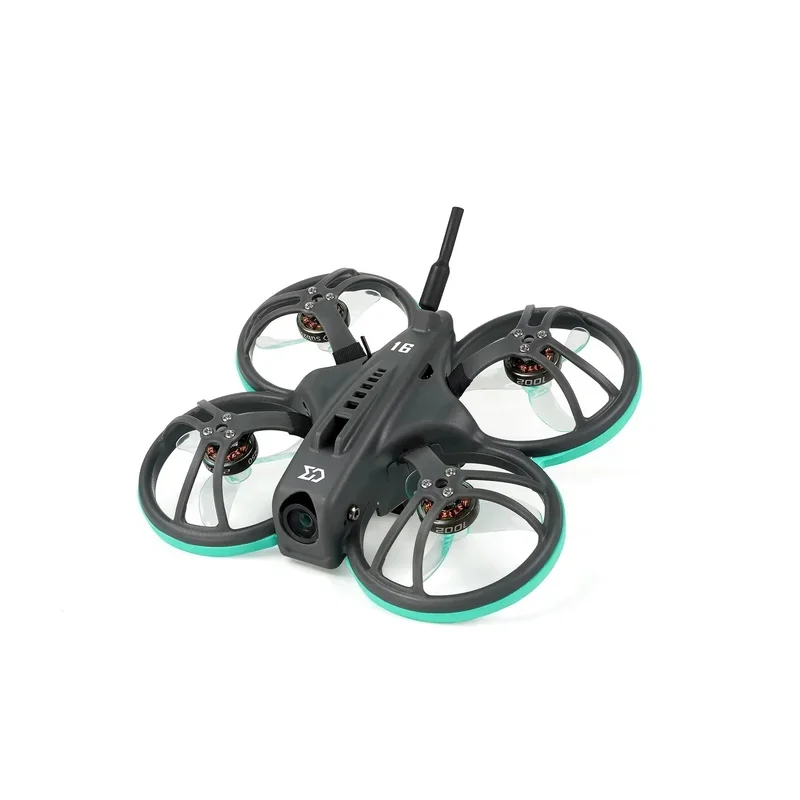
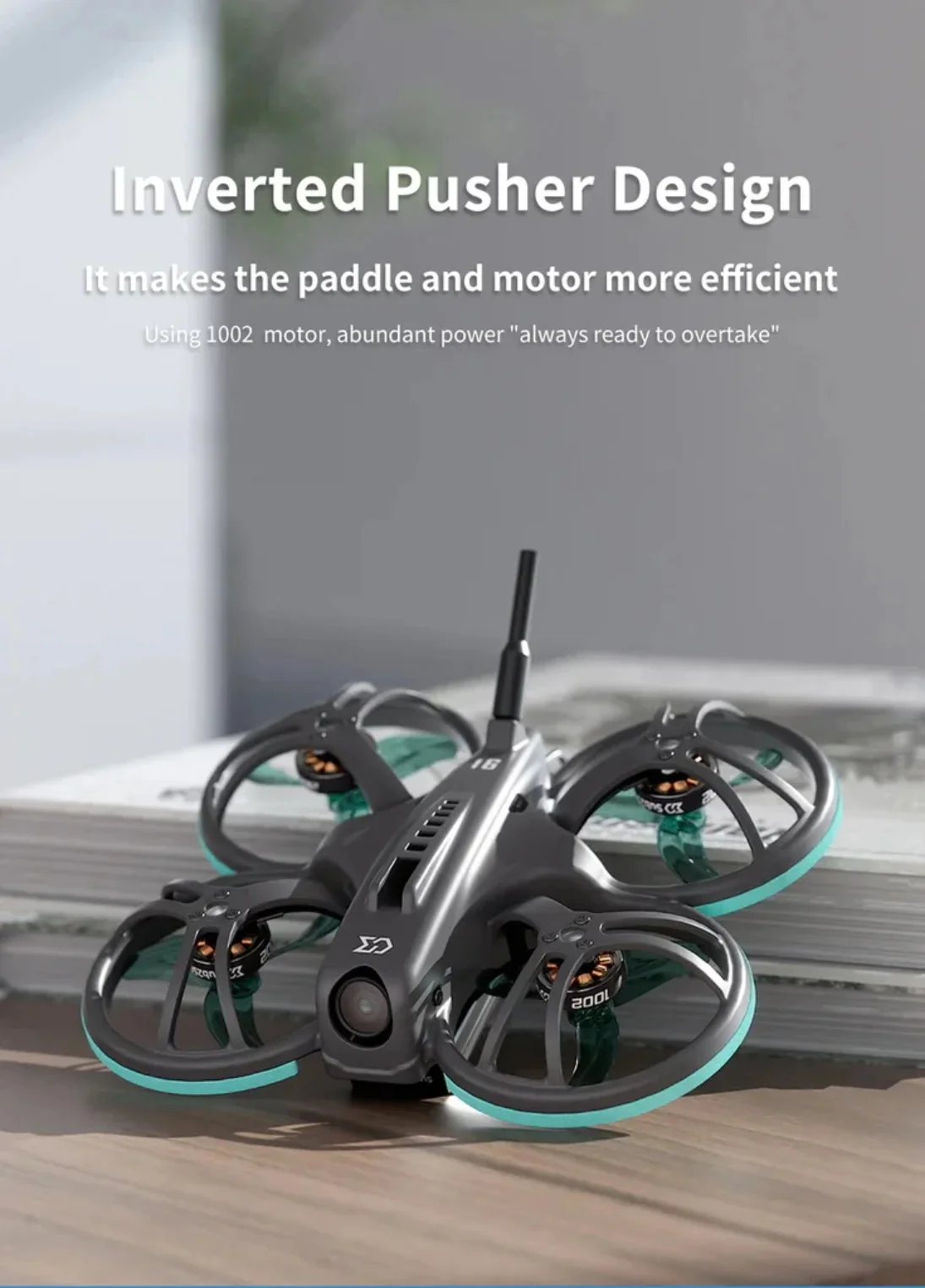
Whoopfly16 is an inverted pusher with a protective frame FPV drone. It combines the characteristics of a short wheelbase for smooth indoor flight and the protection ring has strong protection characteristics.
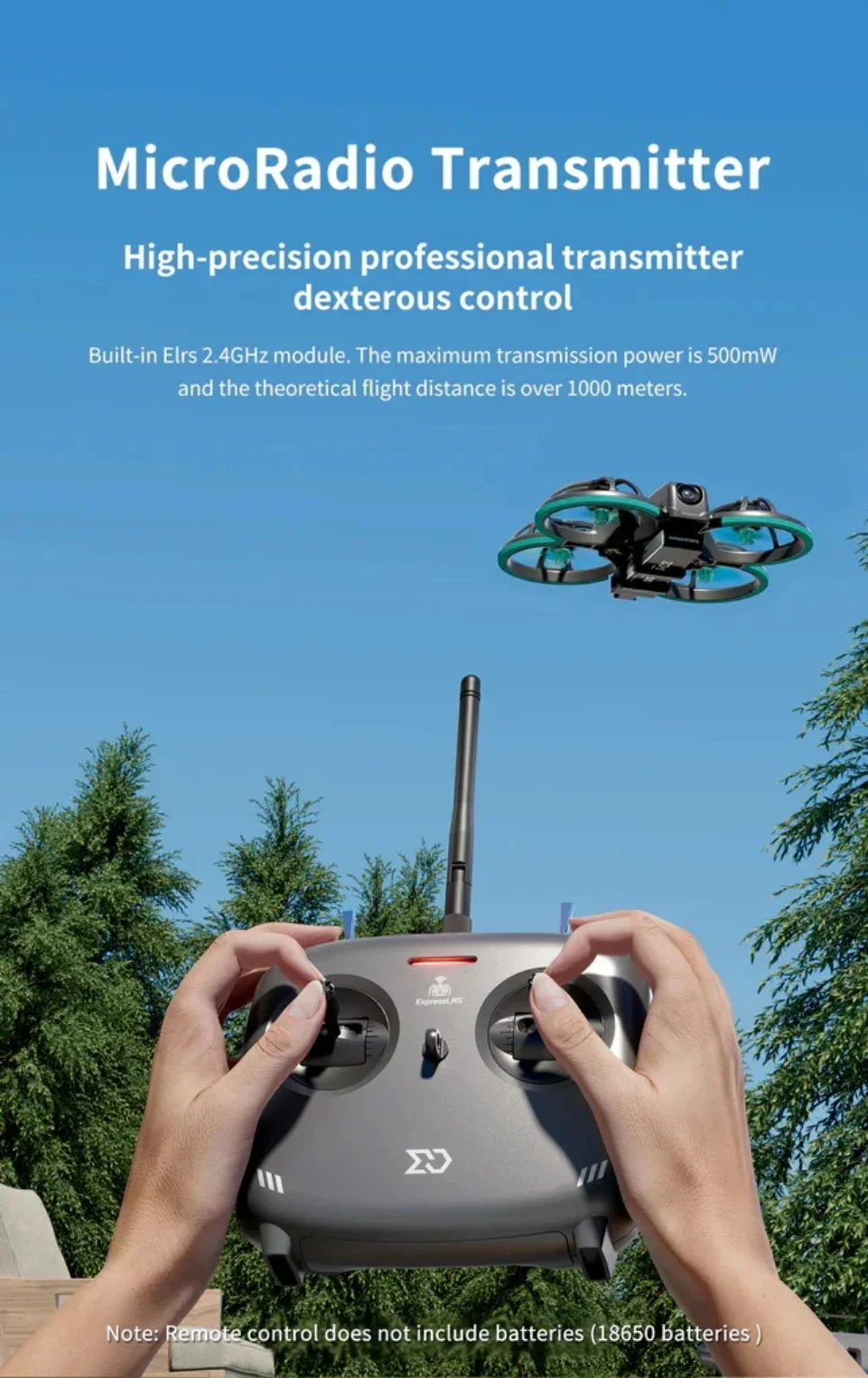
Sub250 MicroRadio Elrs 2.4gHz remote control with a maximum transmission power of 500mW, 8 channels of ultra-low latency, replaceable 18650 batteries, and support type-c charging.
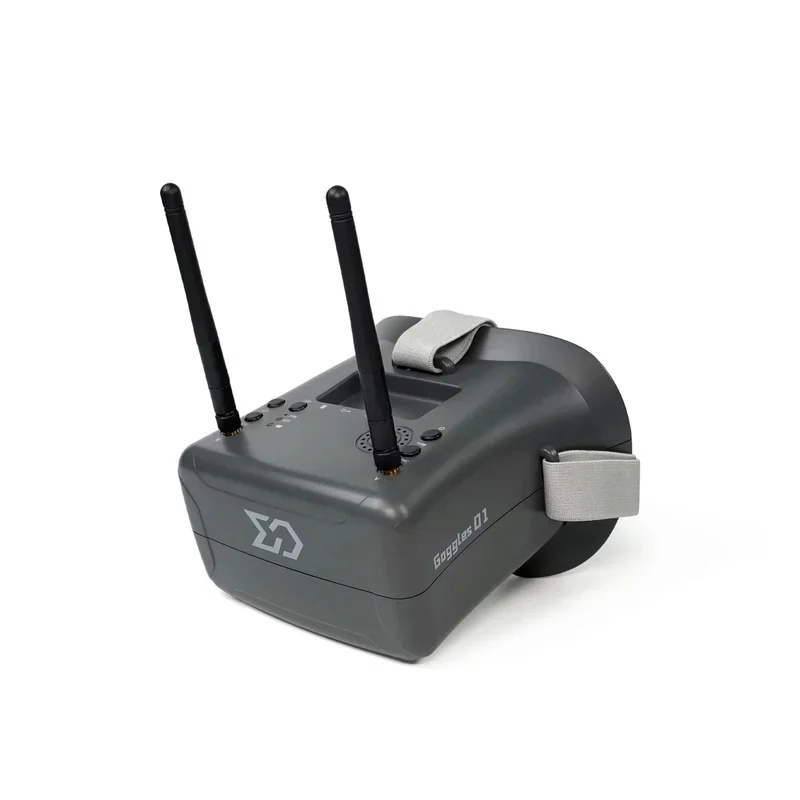
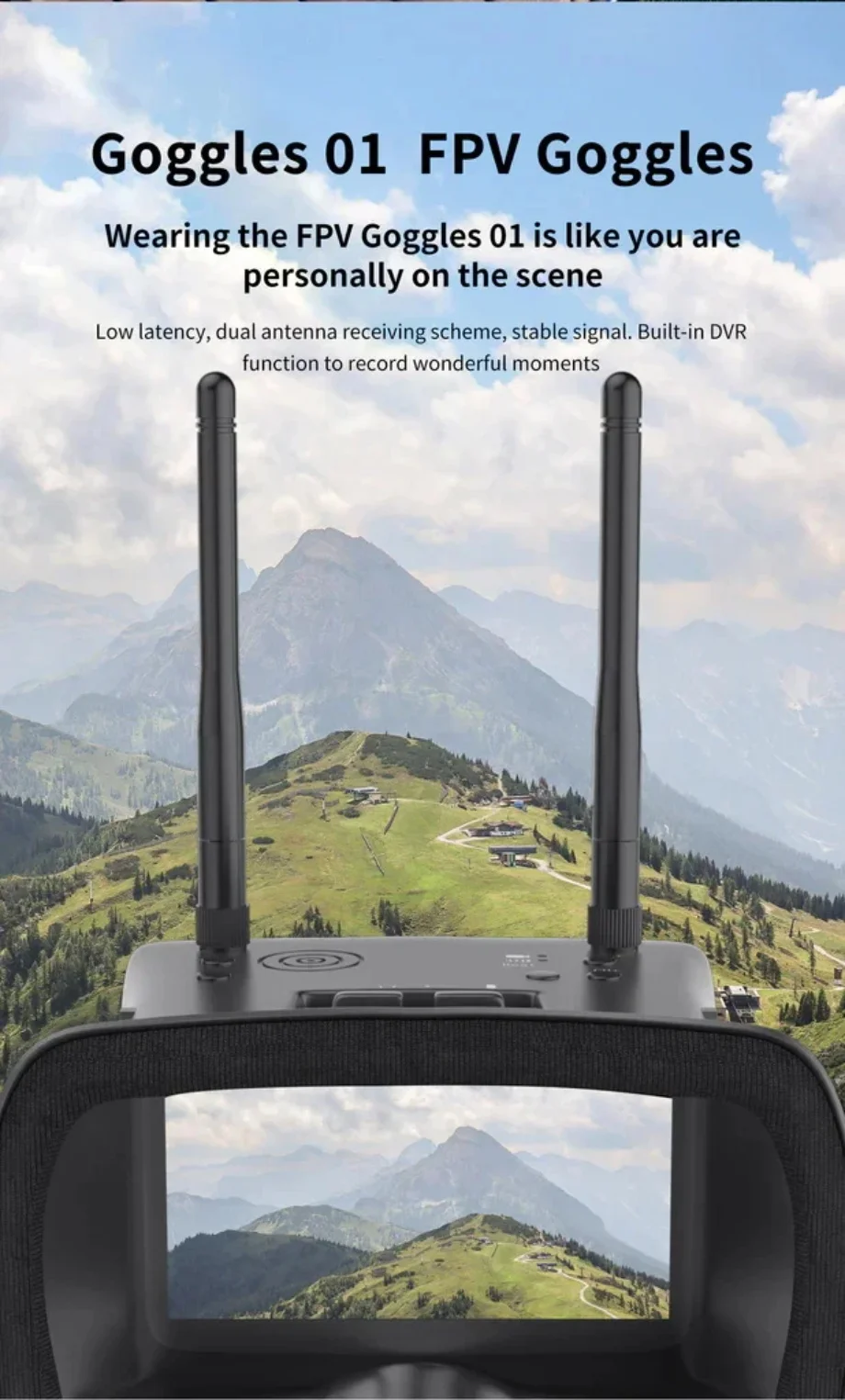
The FPV Goggles 01 use dual antennas to receive picture signals at the same time, support card recording DVR, built-in 3.7V 2000mAh battery that can be used for up to 2.5 hours, support USB fast charging, and one-key search frequency point. The multi-function menu design makes the operation more convenient.
Note:
1. The drone default to the angle mode. You can connect betaflight configurator and install more mode!(2023.07.04)
2. Update: The drone has been bound to the radio's default factory settings!
Sub250 Whoopfly16 Analog Elrs 2.4G Tiny Whoop 75mm
Specifications:
Product name: Whoopfly16 Analog Elrs 2.4
Frame: WF16
Wheelbase size: 75mm
Flight control system: Redfox A1 F4 5A 4in1 1S AIO FC
MCU: STMF411
IMU: ICM42688-P
OSD: BetaFlight OSD w/AT7456E chip
ESC: Redfox A1 4IN1 5A ESC
VTX: VTX 5.8G 200mW
Lens: Caddx Ant eco
Propeller: Gemfan 1608-3
Antenna: 5.8g copper tube antenna 70mm
ELRS Version weight: 35.2g
Receiver: ELRS 2.4G (SPI)
SUB250 MICRORADIO ELRS 2.4G TRANSMITTER
Specifications
Product name: MicroRadio
Size:147*135*71mm (Not including antenna)
Weight:223g
Adapted Drone Type: Multirotor, Airplane
Frequency band:2.4GHz ISM
Input voltage:6.6-8.4V
Antenna interface: SMA
Power:100/250/500mW
Channel:8 channel
Charging interface: USB-C
Firmware upgrade: Support
Bluetooth joystick: Support
Note: Not including Remote Control's Battery
Sub250 Goggles 01
Specifications
Product name: Goggles 01
Resolution:800*480px
Size of screen: 4.3 inch
Size: 155mm*144mm*113mm
Built-in Batteries: 3.7v / 2000 mAh
Working Time: 2.5 hours
Weight: 314.6g
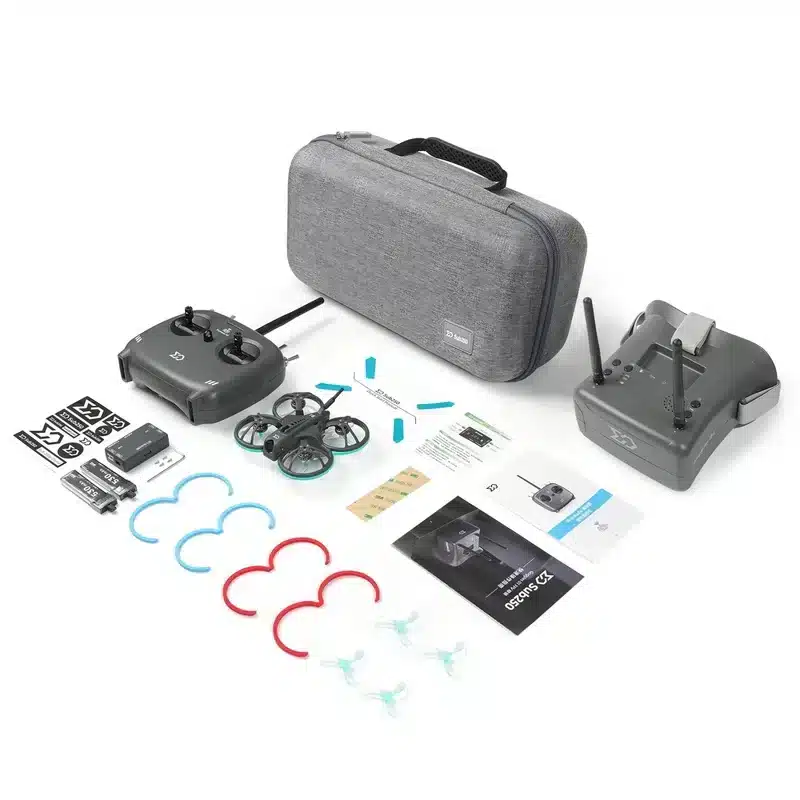
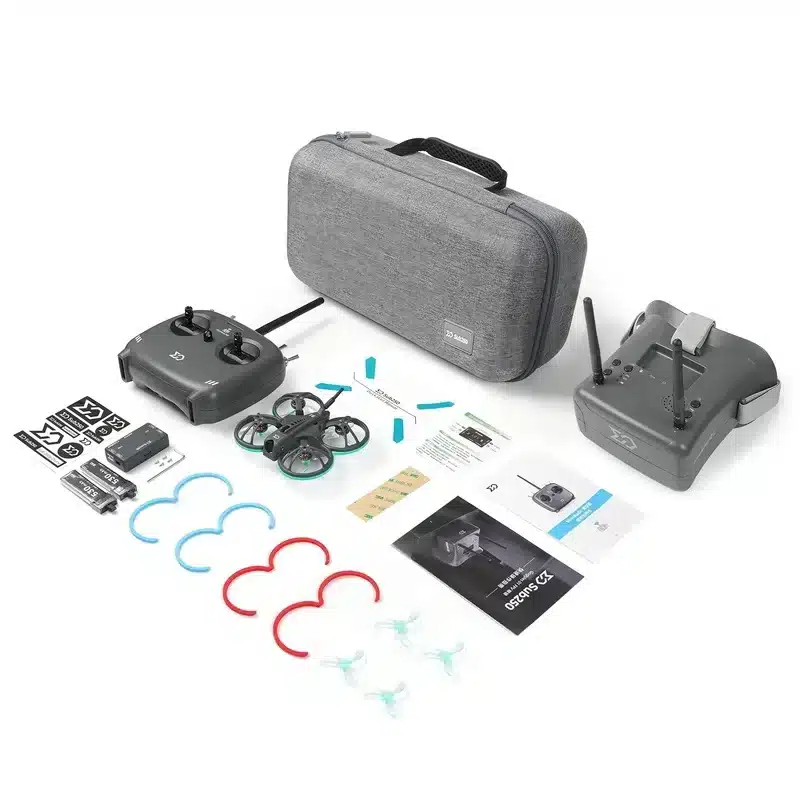
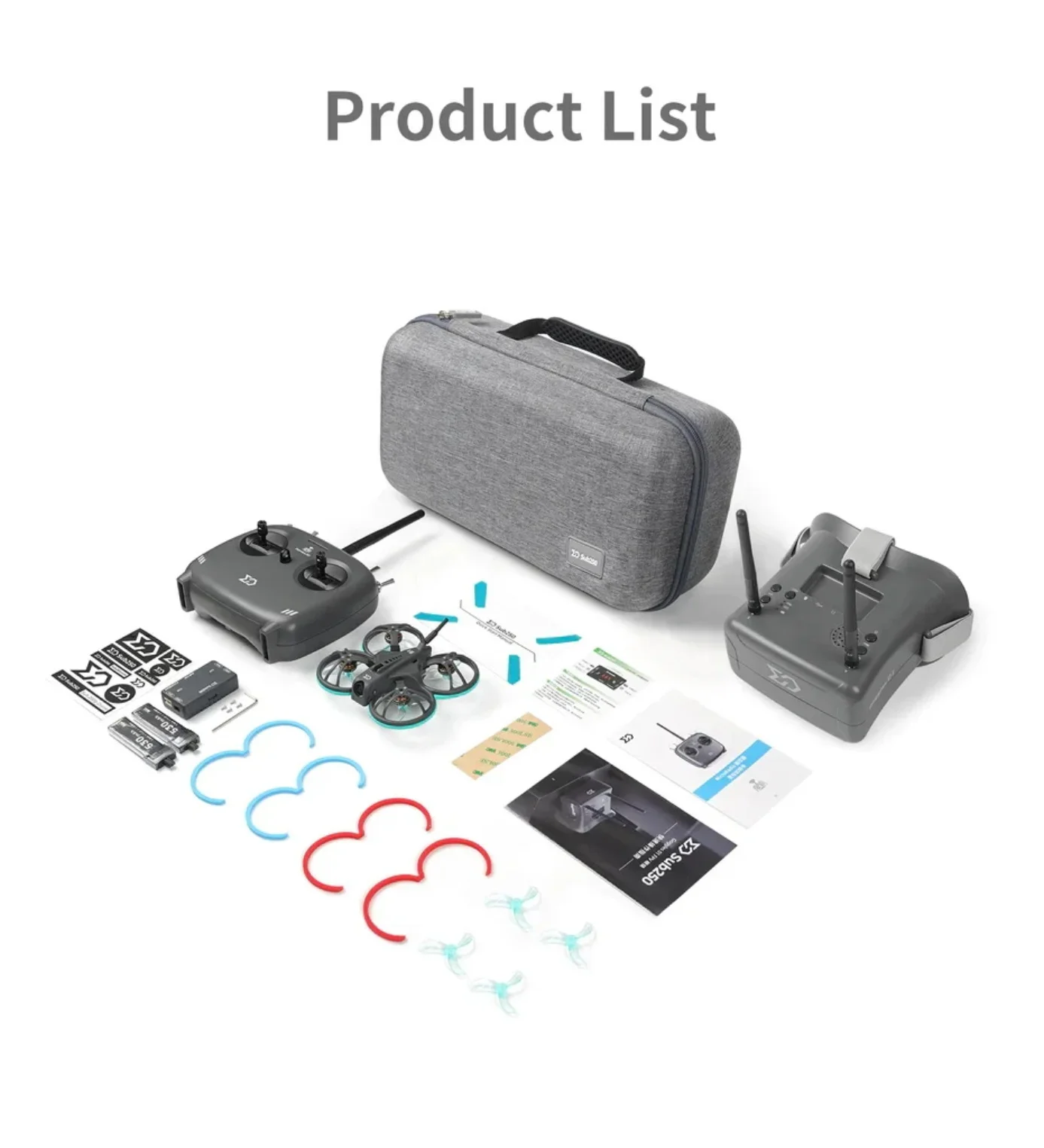
WHOOPFLY16 RTF KIT'S PACKAGE INCLUDES:
1 x Whoopfly16 Analog Elrs 2.4g FPV Drone
1 x MicroRadio
1 x Sub250 Goggles 01
1 x Sub-CW1 charger
2 x Sub250 530mAh 90C 1S batteries
4 x 1608-3 Propellers
1 x Phillips screwdriver
1 x L-type Allen screwdriver (1.5mm)
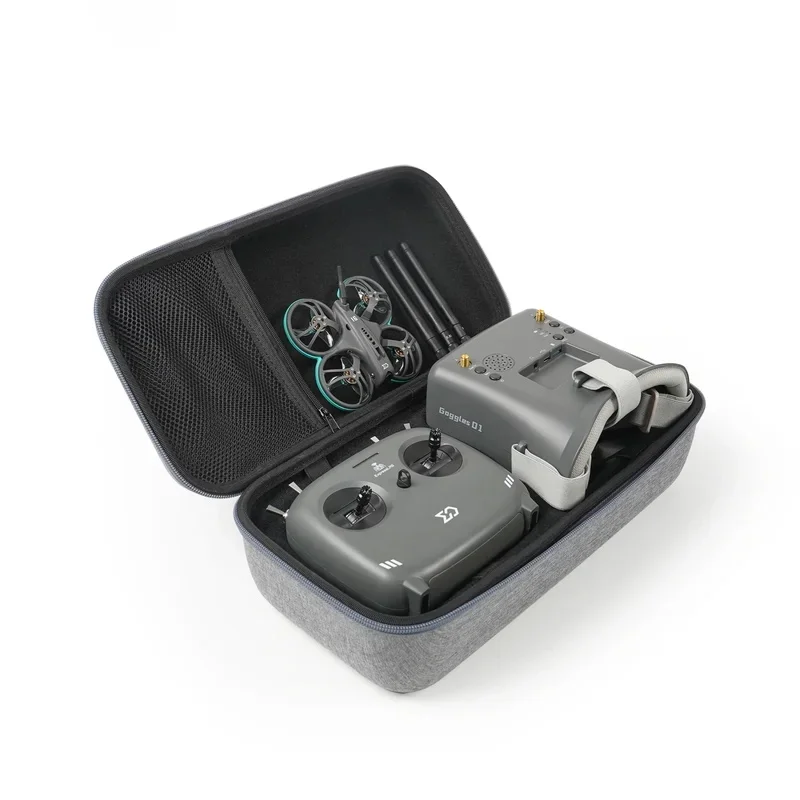
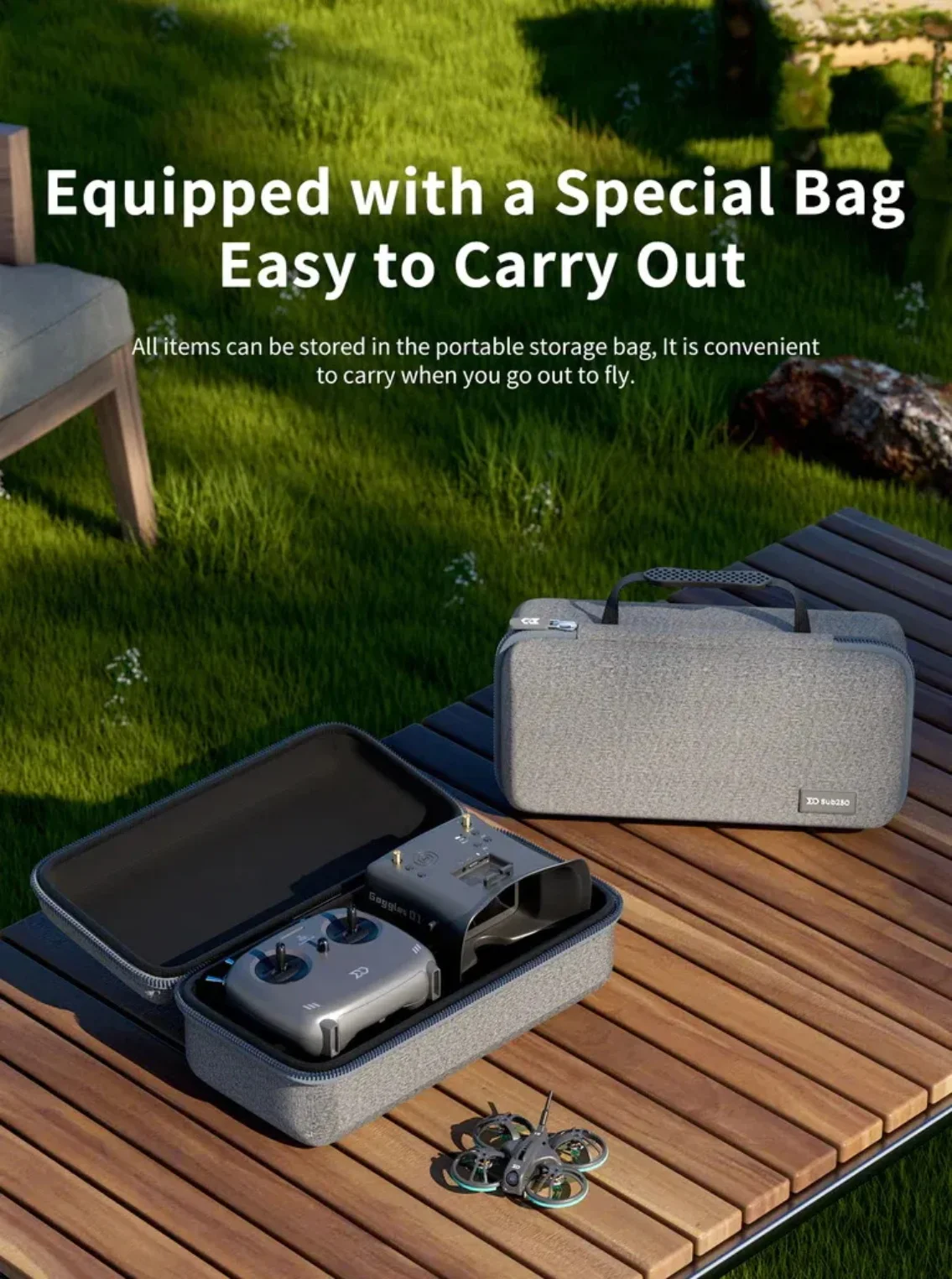
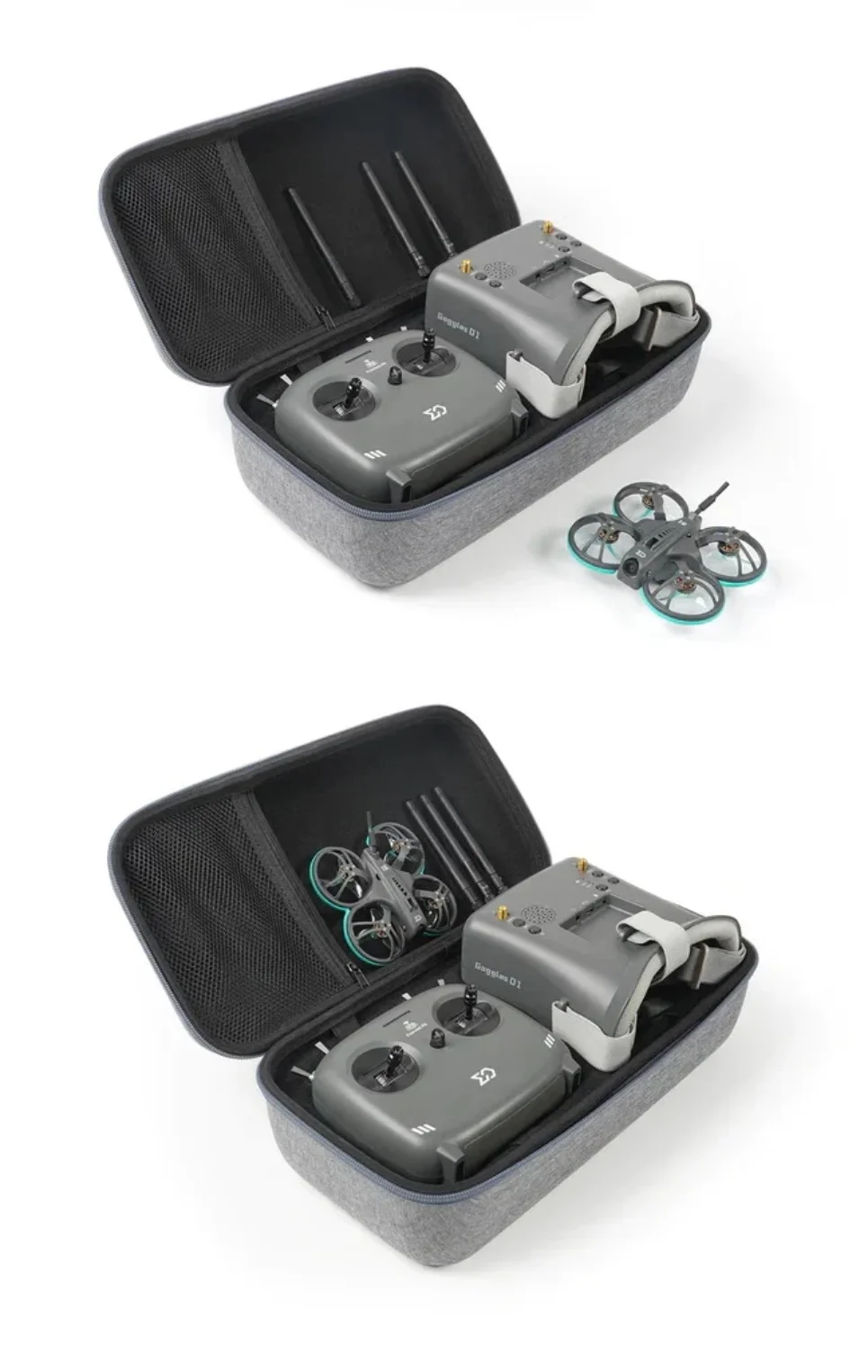
1 x Portable Storage Bag
Whoopfly16 RTF Basic Teaching
Open the bag
Take out the radio/ goggles /drone/ and batteries
Take out two 5.8g antennas and install them on the goggles
Mounting the single antenna on the radio
Long press the radio power button to power the radio first
Long press the goggles power button to power
Plug in the battery to power the drone
The batteries can be recharged via Sub250-CW1 charger
The drone has been bound to the radio's default factory settings
Just place all the levers at the top and the throttle at the bottom
Pull the leftmost lever down, and the drone is unlocked
The drone default to the angle mode. You can connect betaflight configurator install more mode
Short press the menu button of goggles to enter the one-click search mode
The goggles will automatically select best signal channel according to the signal strength
Wearing your goggles to start flying now!

レビュー
レビューはまだありません。