説明
SPECIFICATIONS
Alarm: No
Brand Name: NoEnName_Null
Certification: RoHS
Choice: yes
Connection Type: Wireless
Display: Black-and-white
Feature: Photograph
Hign-concerned Chemical: None
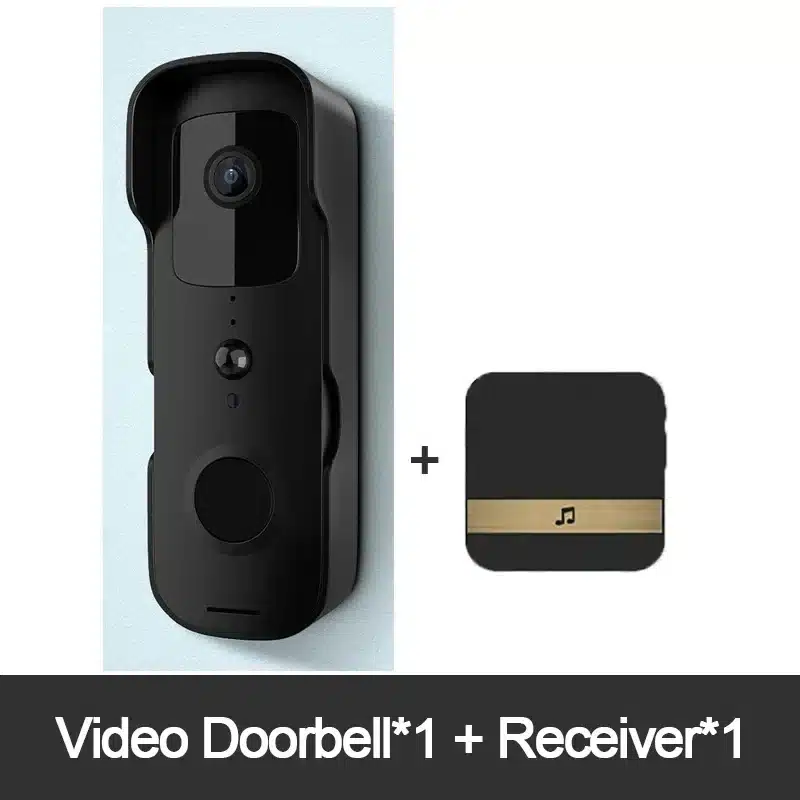
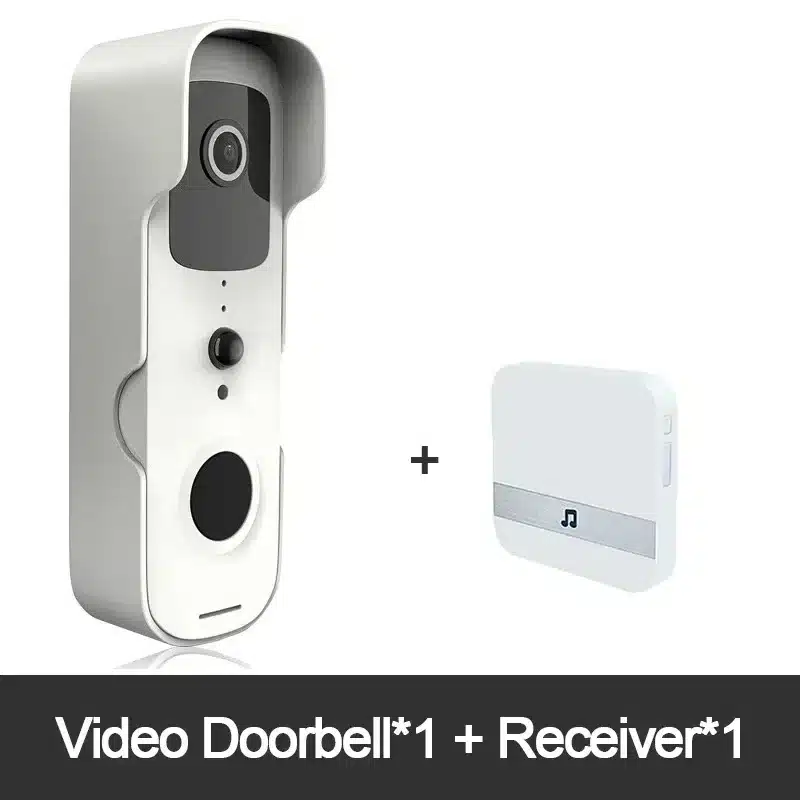
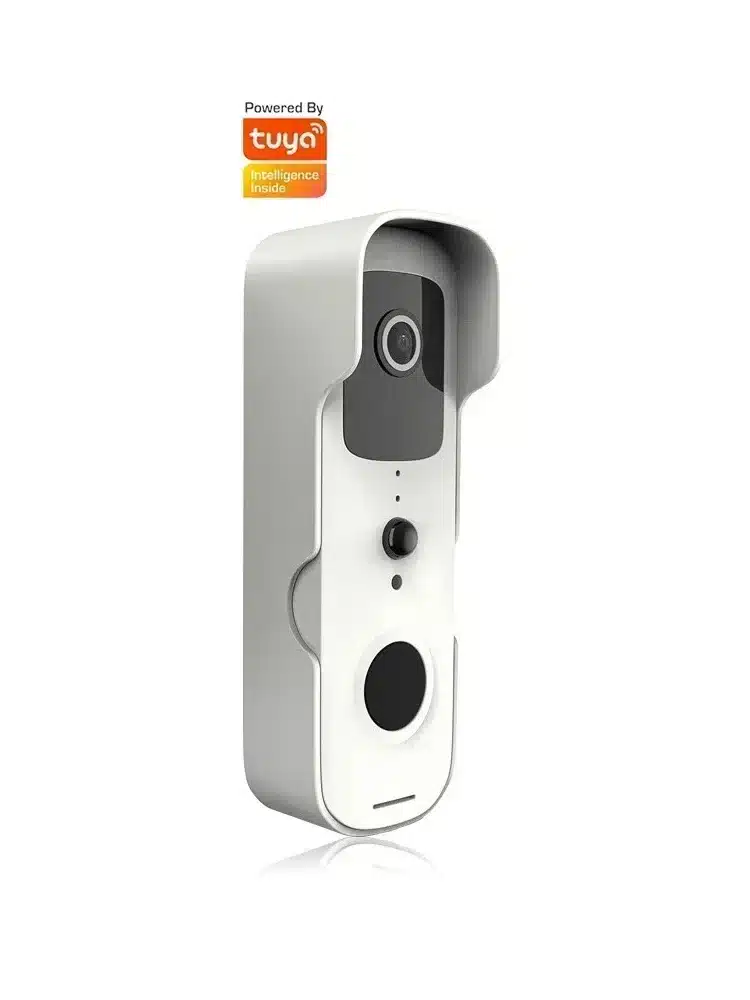
Item Type: VIDEO DOORBELL
Itercom: Yes
Origin: Mainland China
Power: Dry battery
Smart home platform: None
Please note: This product does not with battery
Specifications
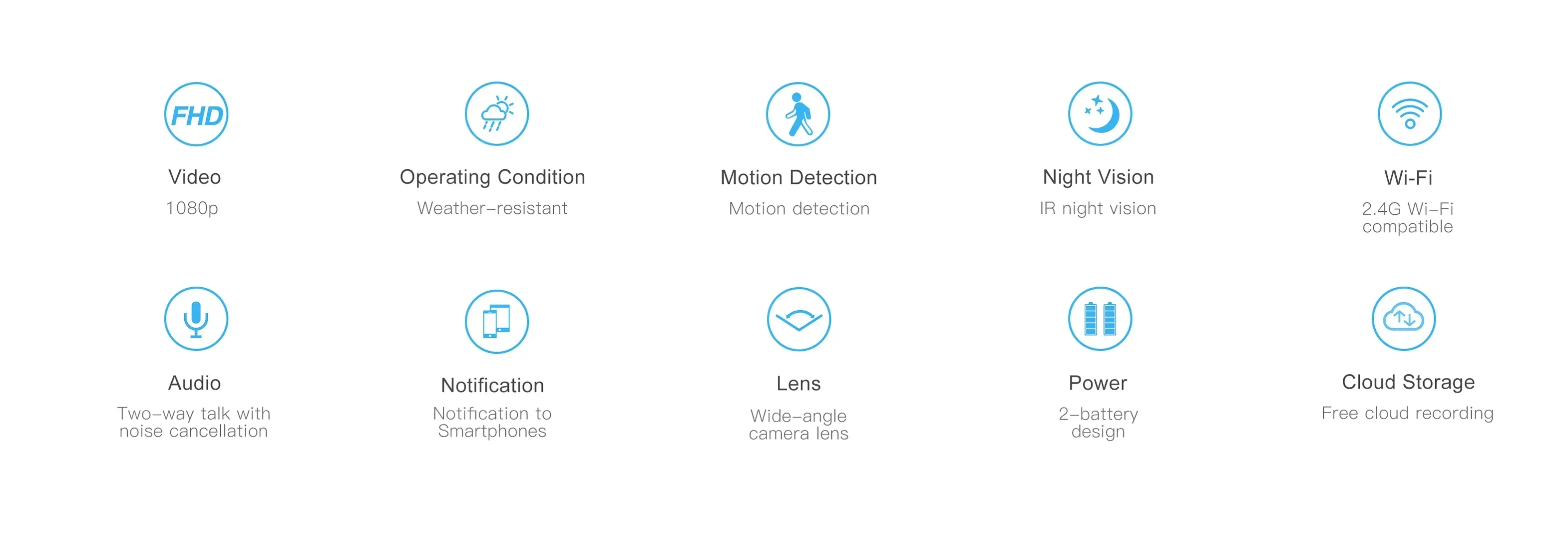
CCD: 1/2.7 inch 1080p scan CMOS sensor
Lens/visual Angle: 2.6mm @F2.0/155°
Video coding: 1080P/15fps+720P/15fps+VGA/30fps+QVGA/30fps+1080P@1fsJPEG snap
Input: 1 channel built-in – 48dB microphone
Output: Built-in speaker (8 Ω 1 w)
Wireless network: 802.11b/g/n
Storage: The TF card stores the maximum support for 64GB
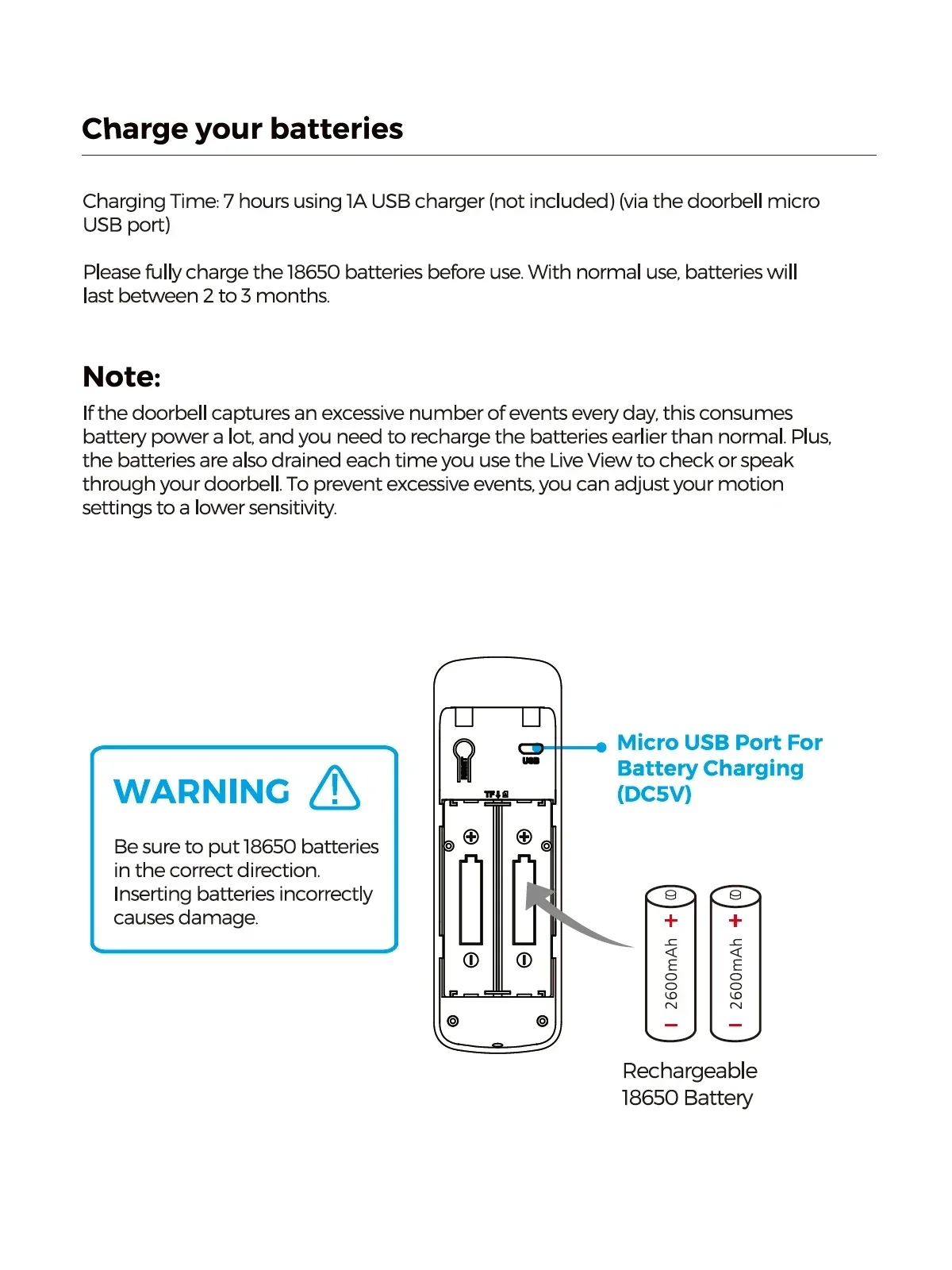
Power: Battery power supply two section 18650 core international general
Power consumption: Standby current 200 uA
Material: ABS
Product size: 140mmx45.5mmx27.5mm
Product weight: 110g/No battery
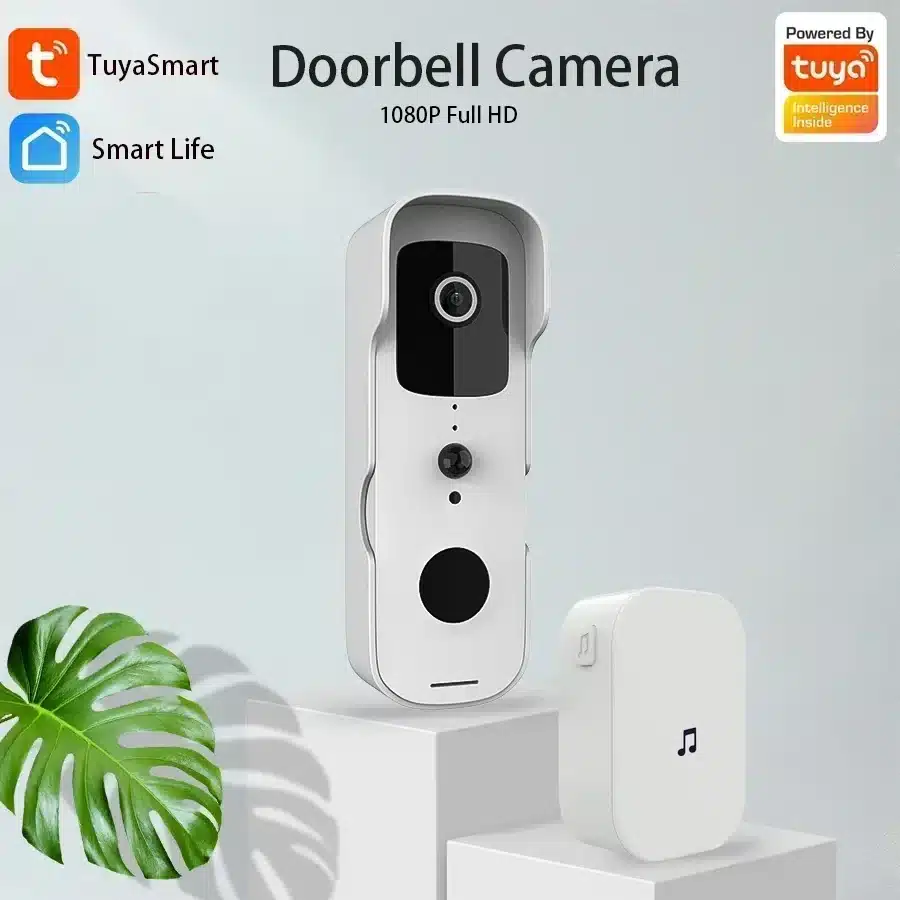
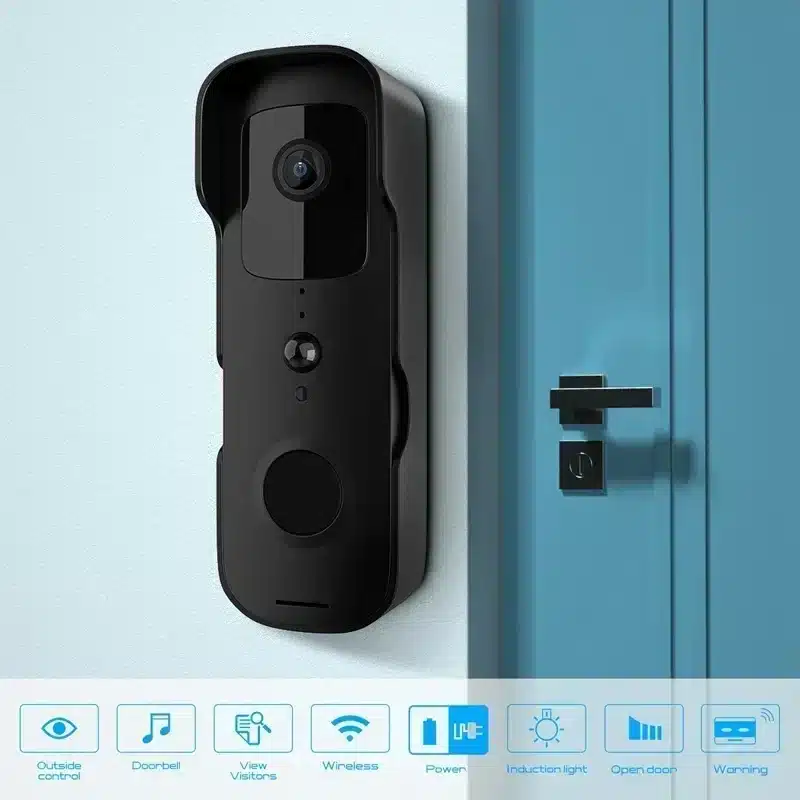
Video Doorbell
Real time monitoring of door conditions.
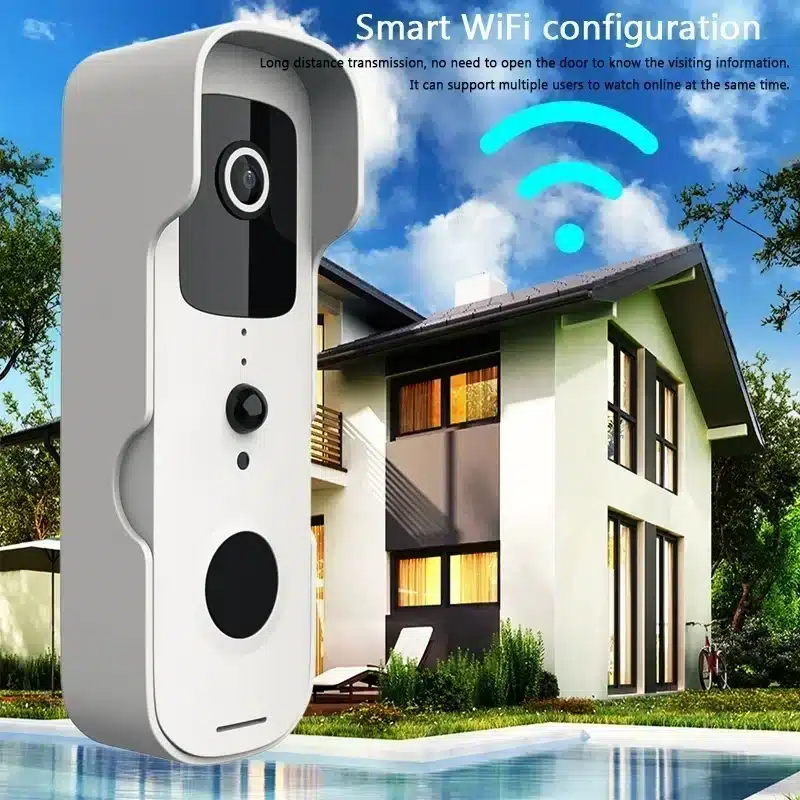
WIFI:2.4GHZ
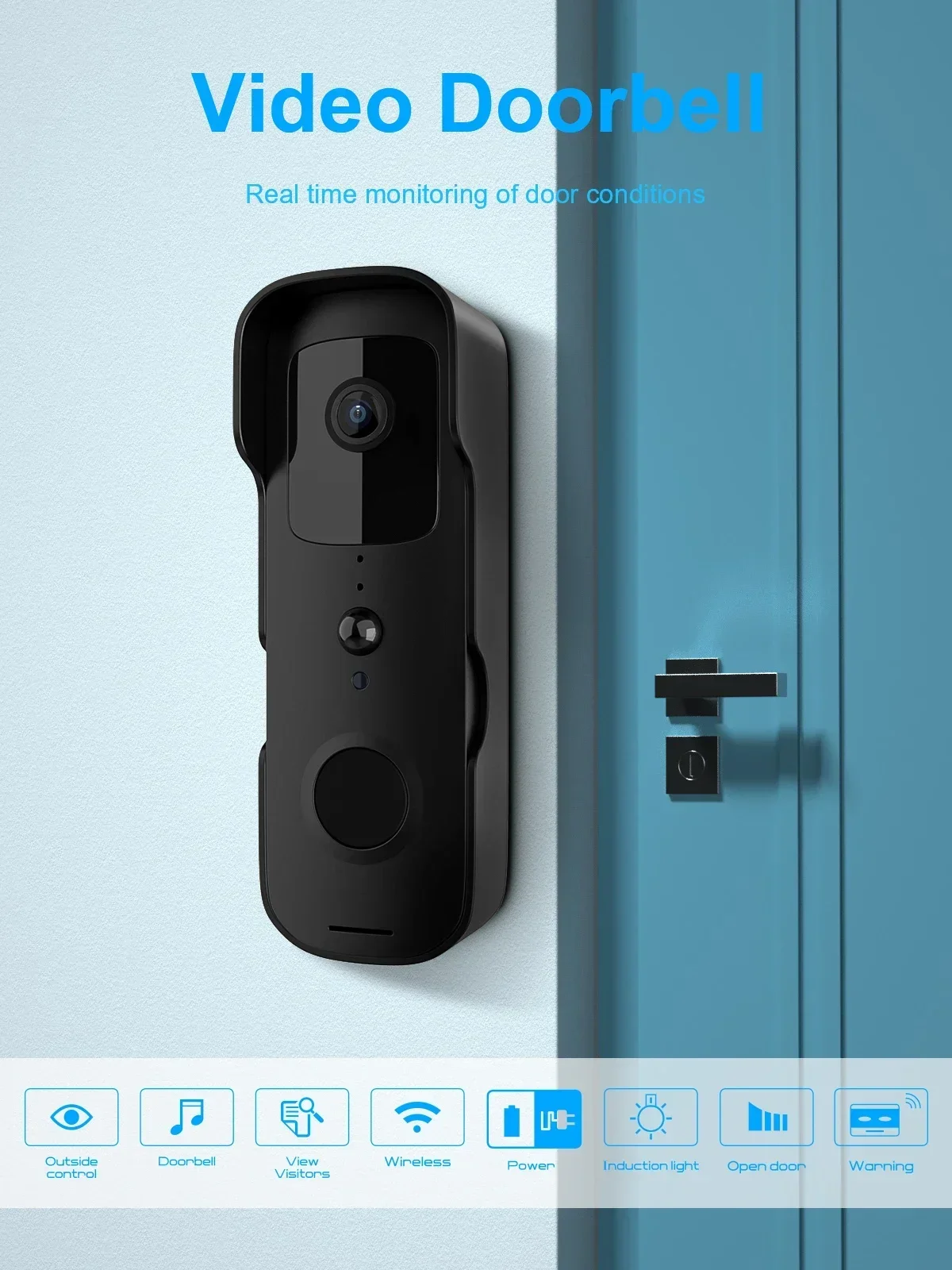

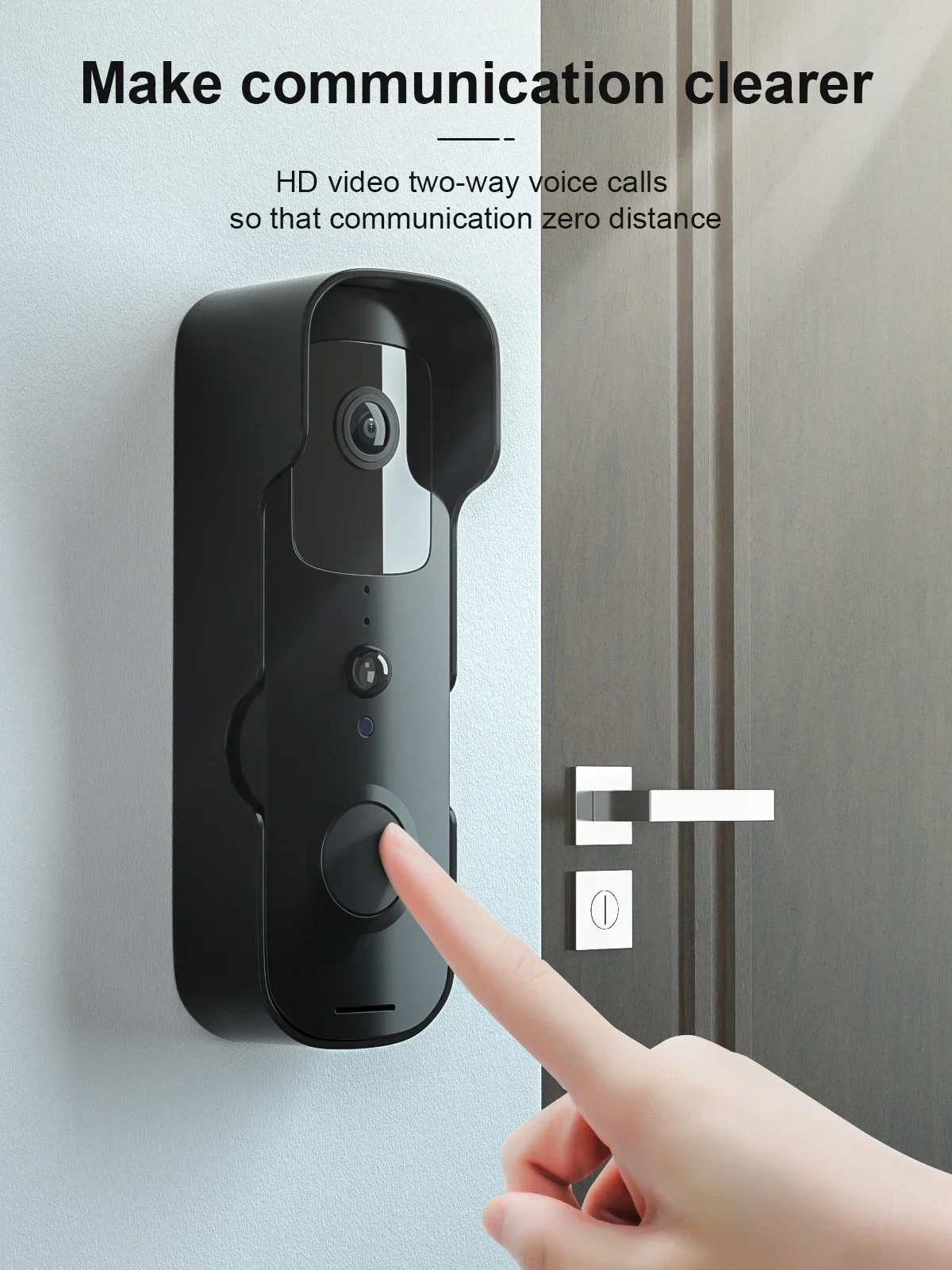
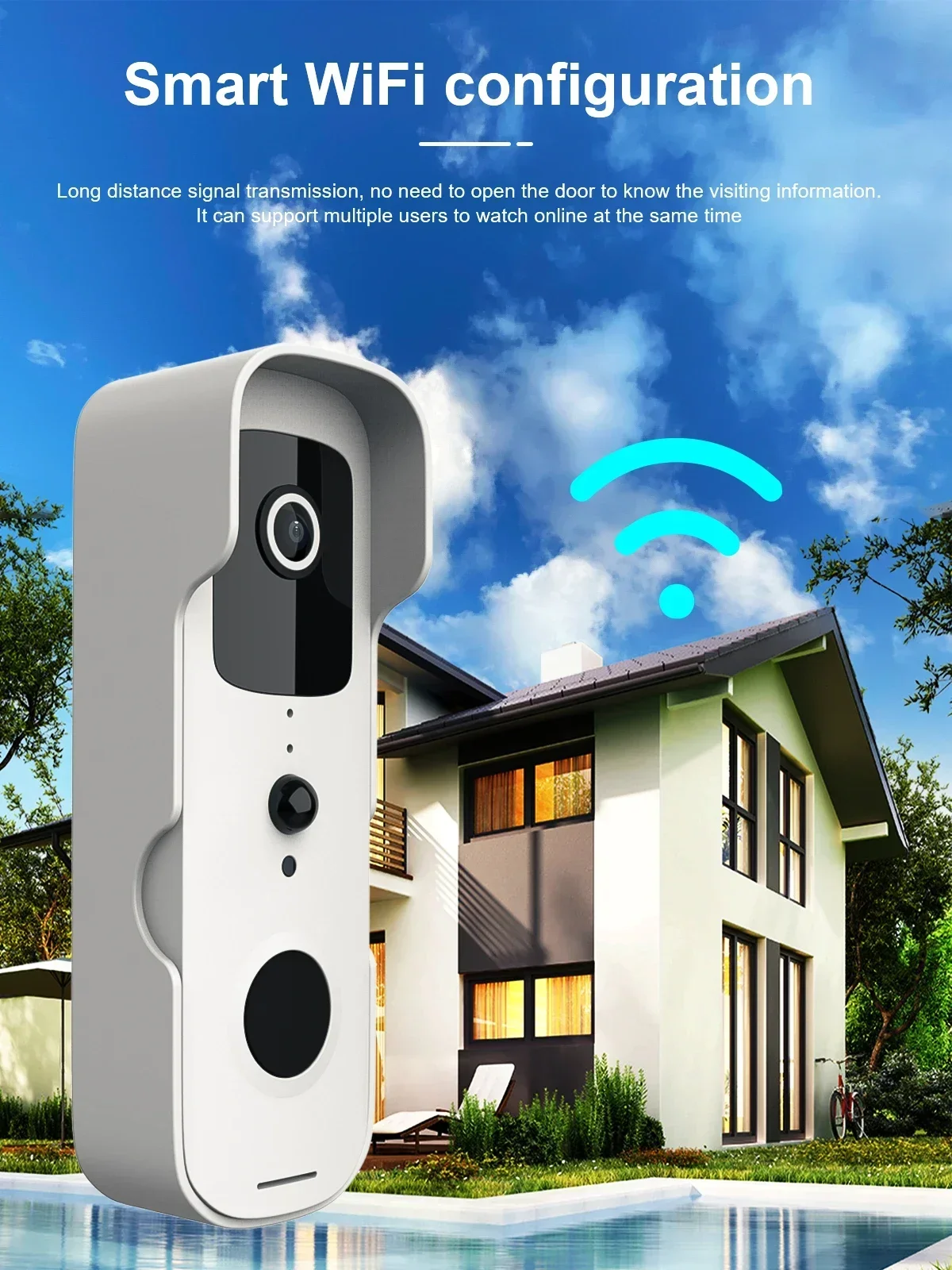
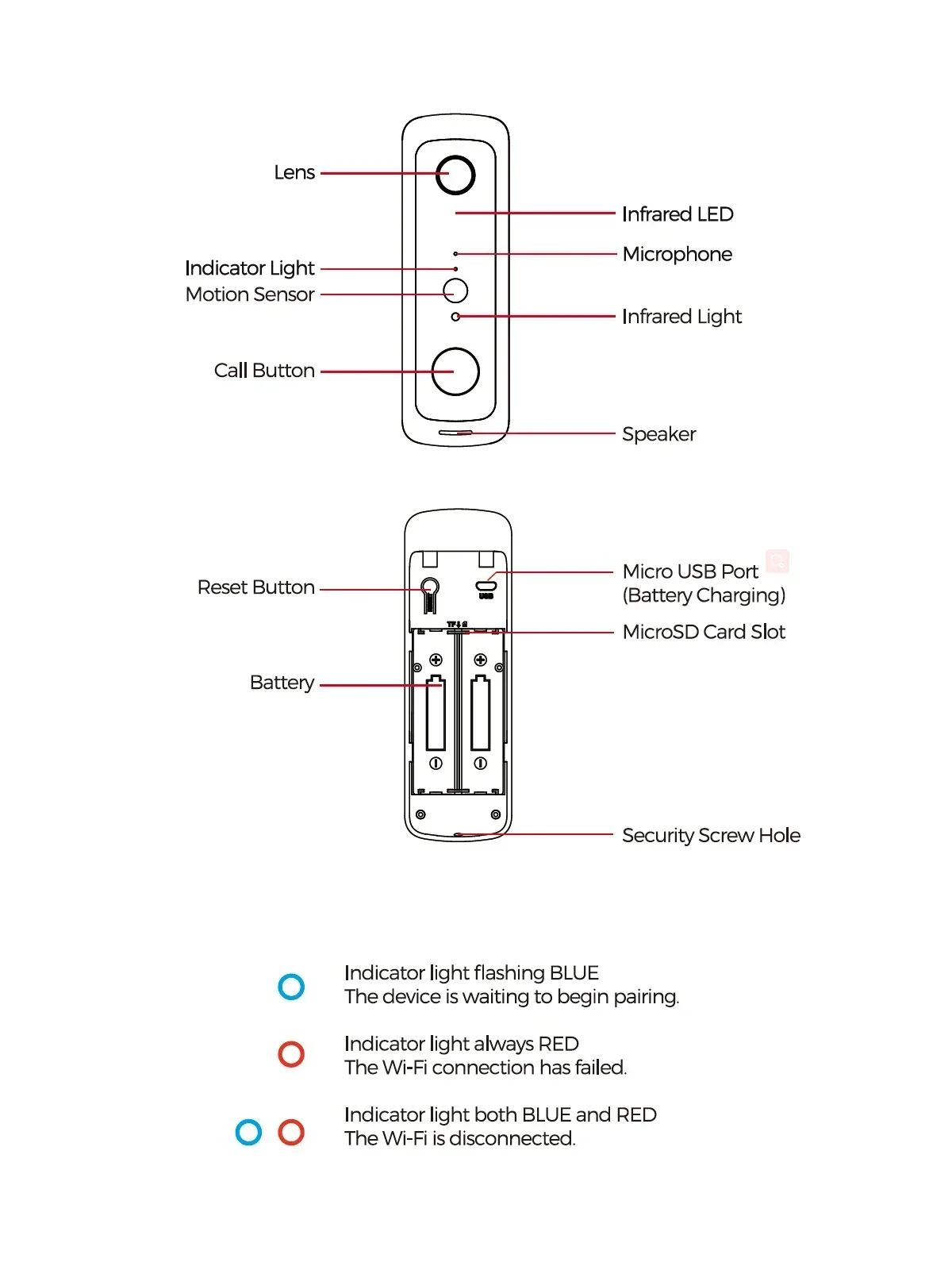
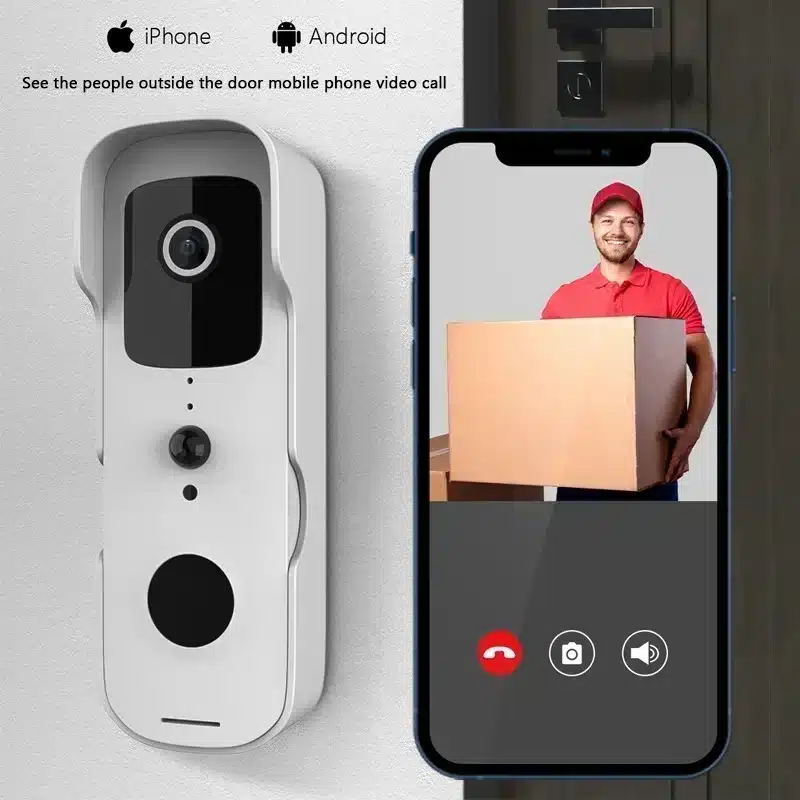
HD video two-way voice calls, so that communication zero distance.
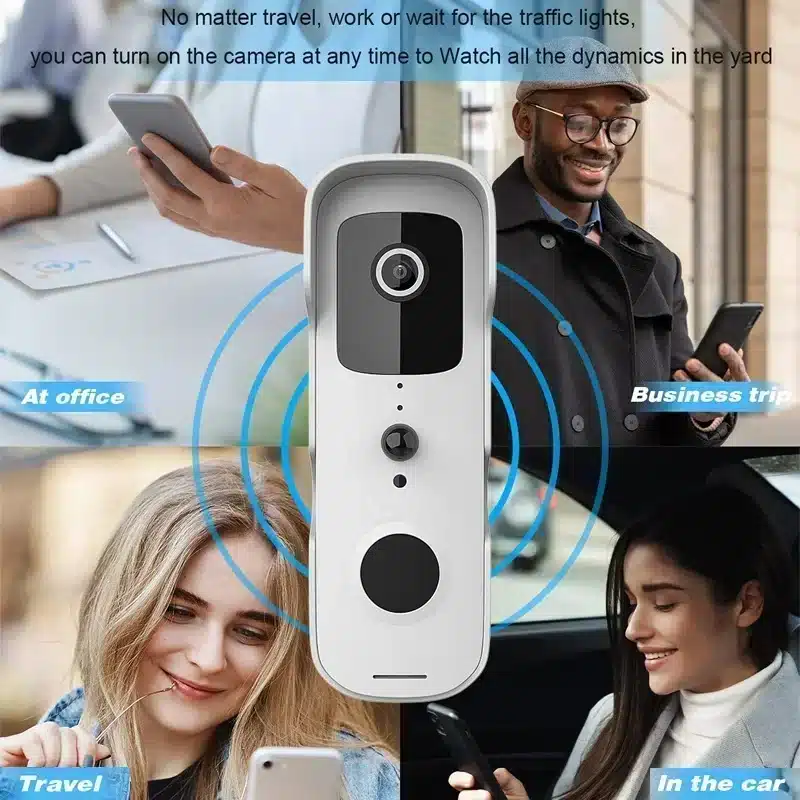
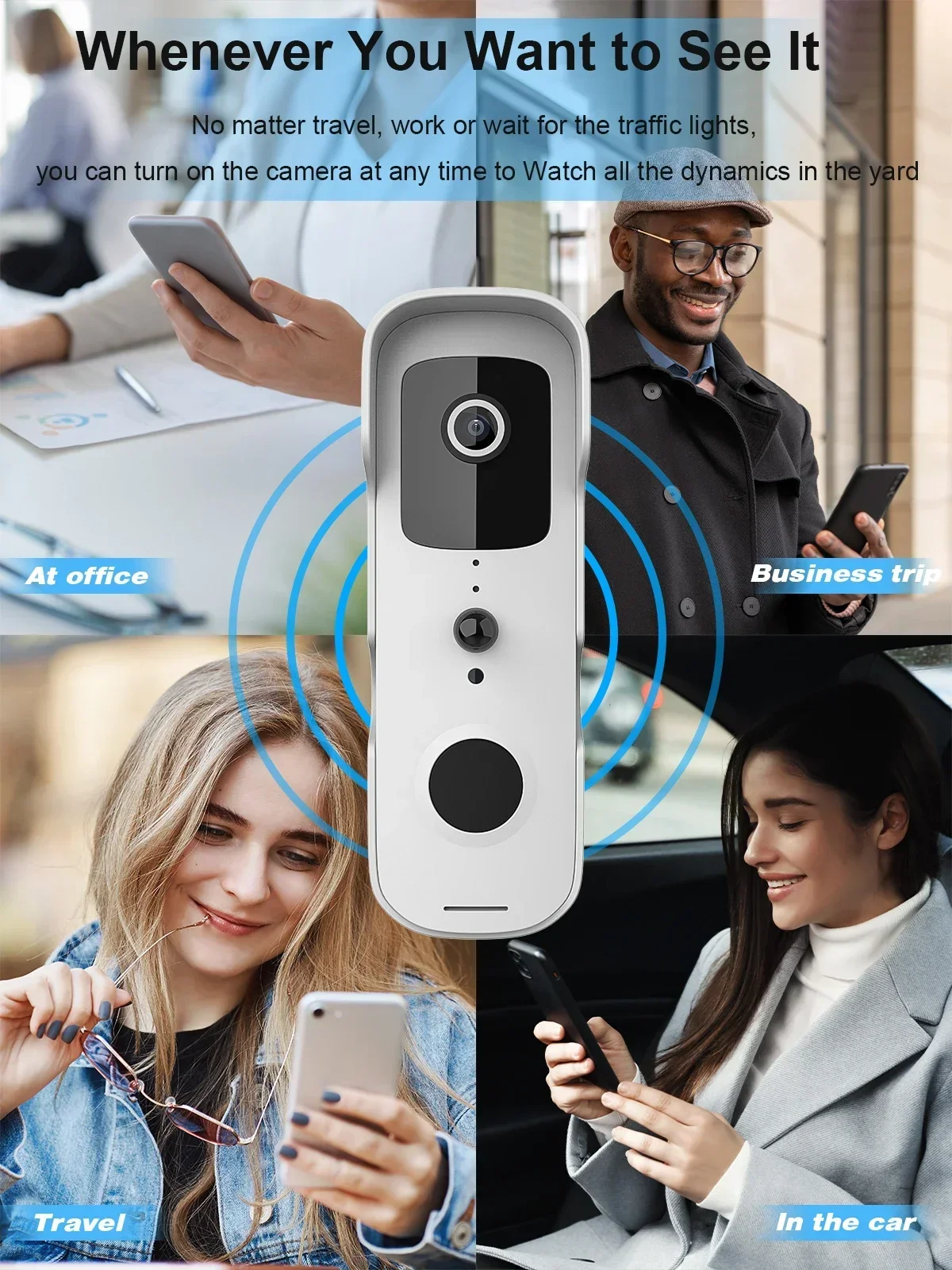
No matter travel, work or wait for the traffic lights, you can turn on the camera at any time to watch all the dynamics in the yard.
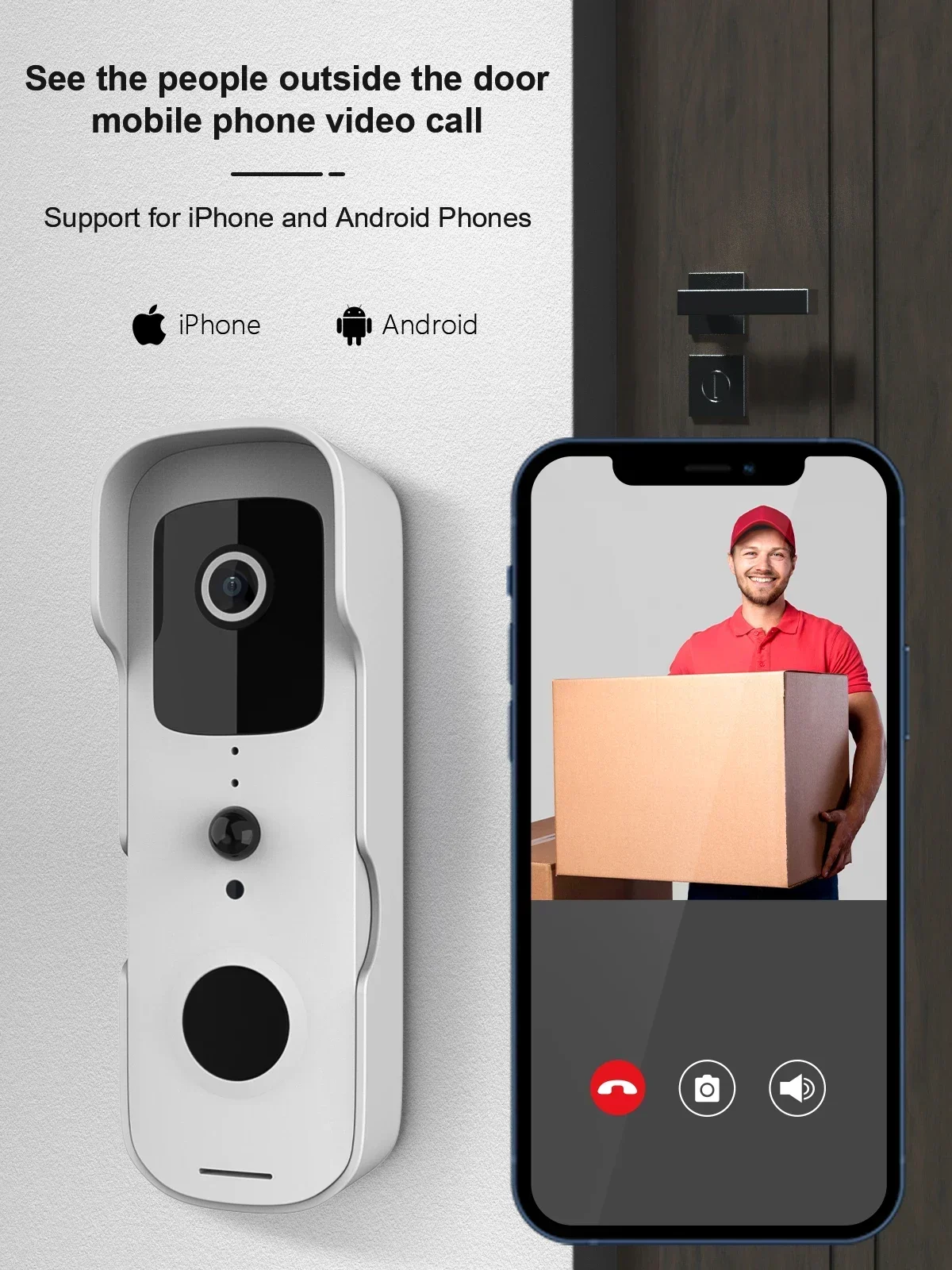
Contactless delivery for express and take-out
Long distance signal transmission, no need to open the door to know the visiting information. It can support multiple users to watch online at the same time.
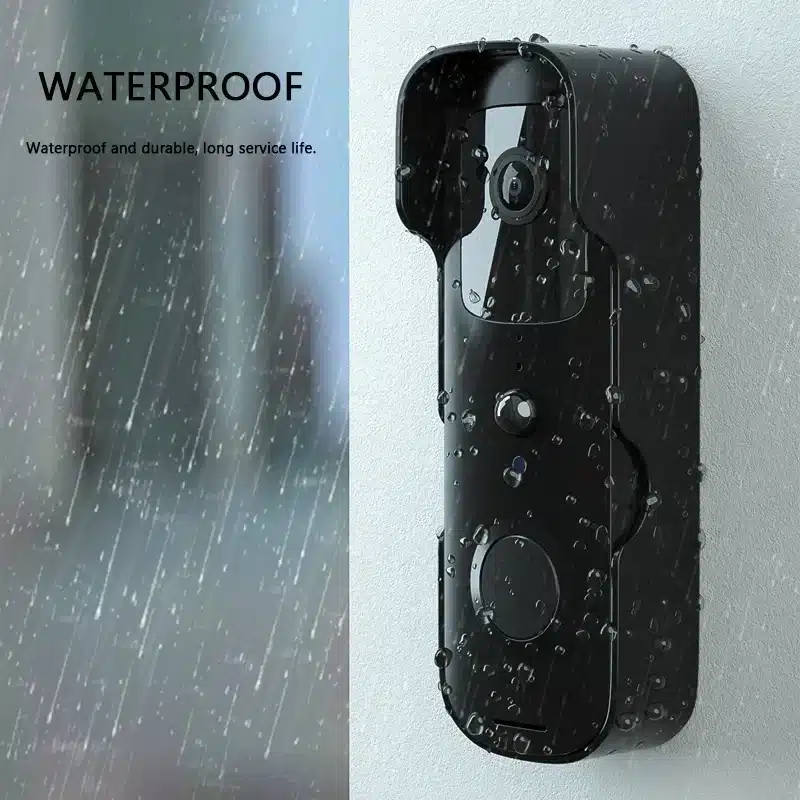
Waterproof and durable, long service life.
FAQ
Q: How do I reset the doorbell?
A: Press and hold the RESET button for 6 seconds.
Q: How do I share the video doorbell with my family?
A: 1. From the home page, tap the doorbell to live view.
2. Tap the “settings” icon in the top right corner.
3. Select “Share Device”
4. “Add sharing” and enter the account name you want to share to. Or you can follow the in-app instructions to do family settings.
Q: How do I adjust PIR motion detection sensitivity?
A: 1. From the home page, tap the doorbell to live view.
2. Tap the setting icon in the right corner.
3. Select PIR.
Options for PIR motion sensitivity
High: Records and notifies you about every motion. Shortest battery life.
Medium: Records and notifies you about motion less often. Standard battery life.
Low: Records and notifies you about motion even less often. Maximum battery life.
Q: How many users can view the video at the same time?
A: Up to 4 users may view the video feed. Both IOS and Android are compatible.
Q: Is 5GHz WiFi supported?
A: No, only 2.4GHz WiFi is supported.
Q: My signal is poor on my doorbell.
A: Your doorbell may be too far away from your wireless router or you may have some obstructions in between that reduce signal strength. You might try repositioning your router or getting a signal extender/repeater for your wireless router.
Q: Is this device only battery powered?
A: Yes, it’s only battery powered. No wires needed.
レビュー
レビューはまだありません。